OS1 by Delhivery | Q2:2024-25
Prabhat Raju
OS1 Delivery Driver Mobile App Redesign
Generic driver app was redesigned for last-mile delivery by identifying workflow pain points through field research. Optimised workflows reduced time to interact by 65% and increased app adaption from 85% to 100%
Who is a Delivery Driver
A person who moves goods by driving vehicles between different locations between manufacturing and end customer in a supply-chain.
Manufacturer
First-mile
Storage
Mid-mile
Retailer
Last-mile
Customer
What is OS1 Driver App
OS1 Driver App is a mobile application facilitating day-today operations of driver.
Manufacturer
First-mile
Storage
Mid-mile
Retailer
Last-mile
Customer
What is OS1 Driver App
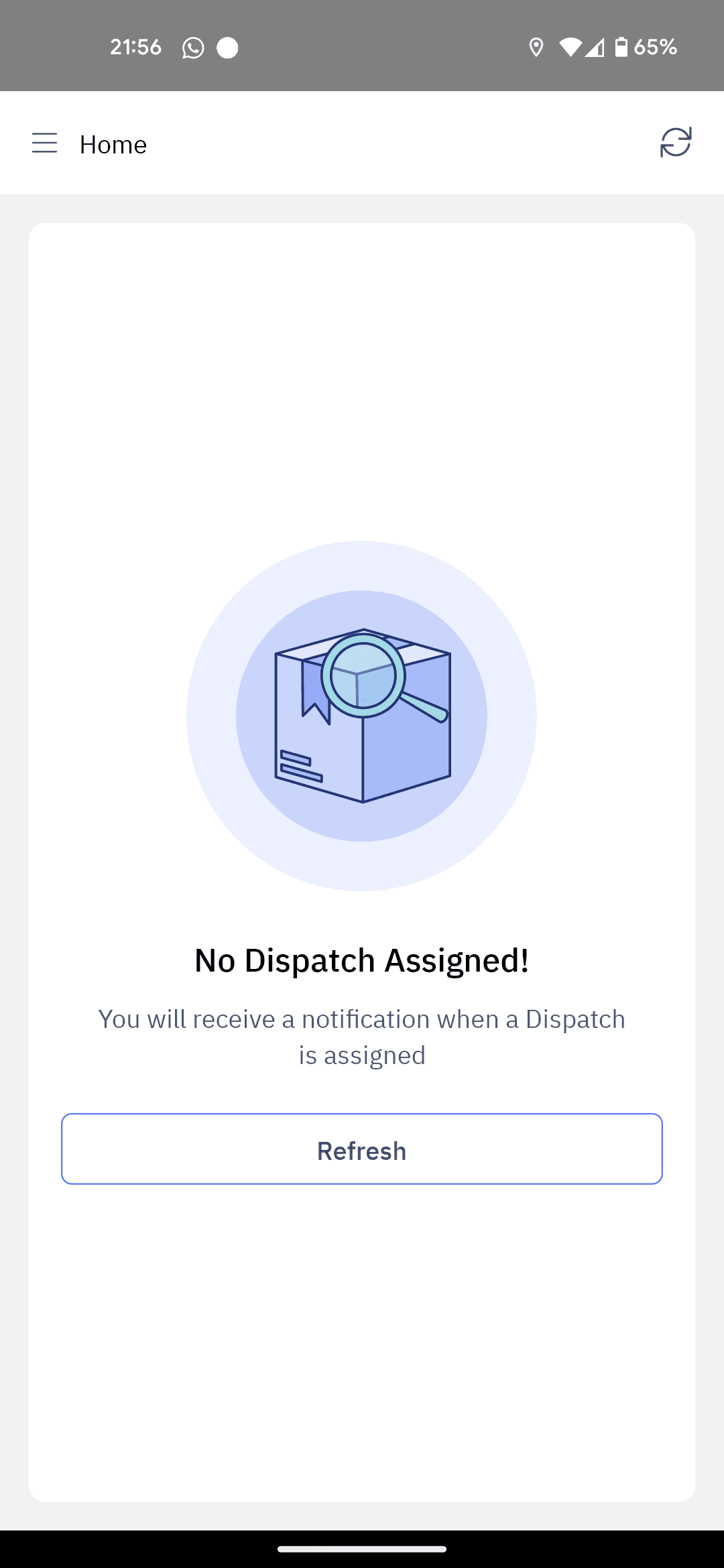
OS1 Driver App depends on DispatchOne dashboard to receive orders.
Manufacturer
First-mile
Storage
Mid-mile
Retailer
Last-mile
Customer
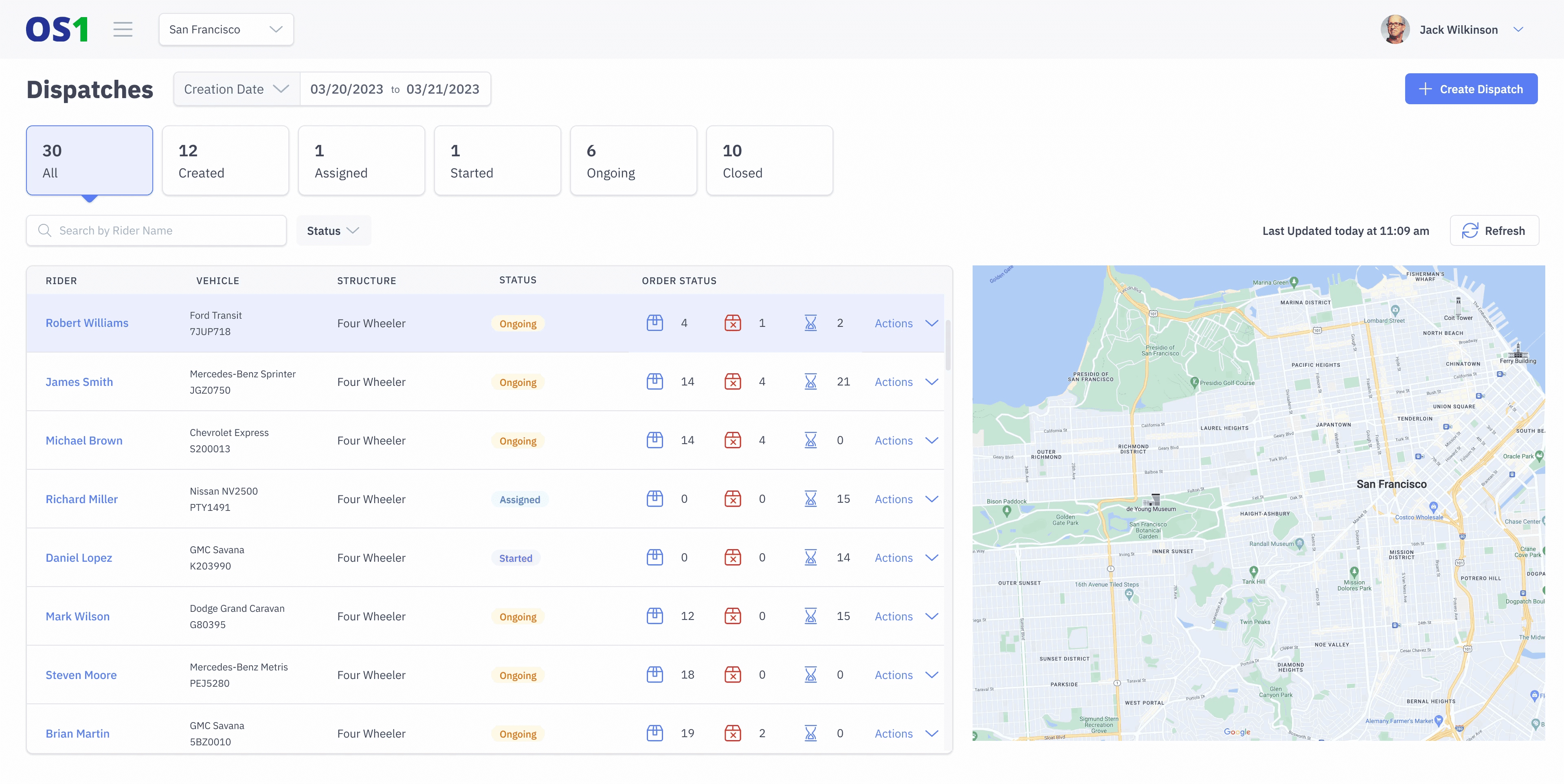
DispatchOne Dashboard
User: Team Lead / Dispatch Manager
OS1 Driver App
User: Delivery Driver
Opportunity
As demand for quick commerce and same-day deliveries is booming, we want to focus on selling our DispatchOne product to the last-mile businesses.
Manufacturer
First-mile
Storage
Mid-mile
Retailer
Last-mile
Customer
Problem
Last-mile operations being time sensitive current app is over-engineered, slow-loading, unintuitive, which could lead to late deliveries, impacting customer satisfaction at doorstep.
Manufacturer
First-mile
Storage
Mid-mile
Retailer
Last-mile
Customer
Task
The rider mobile app needs to be redesigned to ensure that it can adapt to last-mile use cases. The app is expected be quick and easy for drivers to use.
I was tasked to lead the project.
Tech Limitation
Existing app is built as hybrid of react + Android/iOS
Limit styling to support less development effort.
Business Goals
Working app live in 30 days - deploy in ops within 45 days
App must have least training effort.
Prioritise speedy delivery over delight features
↑ simplified view
Team
Design Lead, 1 Product Manager, 2 Dev (react/iOS & Android), 1 QA
My Role in redesign
Project
Planning
User
Research
Product
Design
App
Development
Dev
QA
On-ground
Testing / UAT
Ops Team
Training
Optimising
Discover and Define
Is the issue real? What are the on ground problems?
Optimising
Mid-mile | Existing Use-case
Storage / FC
Retailer / DC
Image: FC Driver Operations Overview
Last-mile | Opportunity Area
Retailer / DC
Customer
Image: DC Driver Operations Overview
Research Method
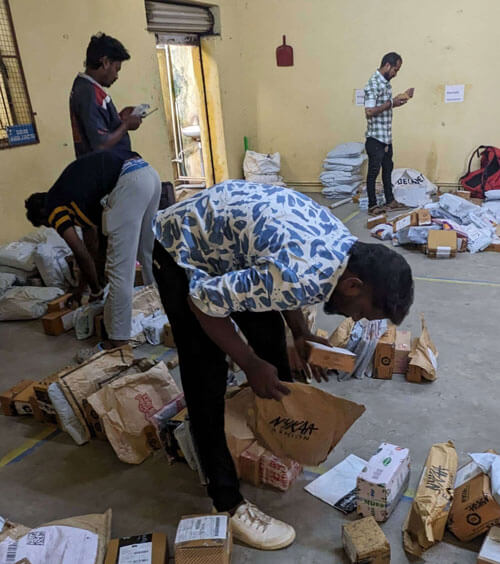
Shadowed 12 last-mile and 2 mid-mile drivers & 1 team leads, across fulfilment and distribution centres.
Rode along for 4 hours covering 18 orders to observe real-world friction.
Interviewed 8 riders and 2 supervisors about workflows and pain points.
Ran self-simulations of pickup, drop and EOD flows; timed load speeds and clicks.
Mapping friction in User Journeys
Optimising
Case study presentation for Delightree
OS1 Driver App for last-mile
How would OS1 Driver App fit in this usecase?
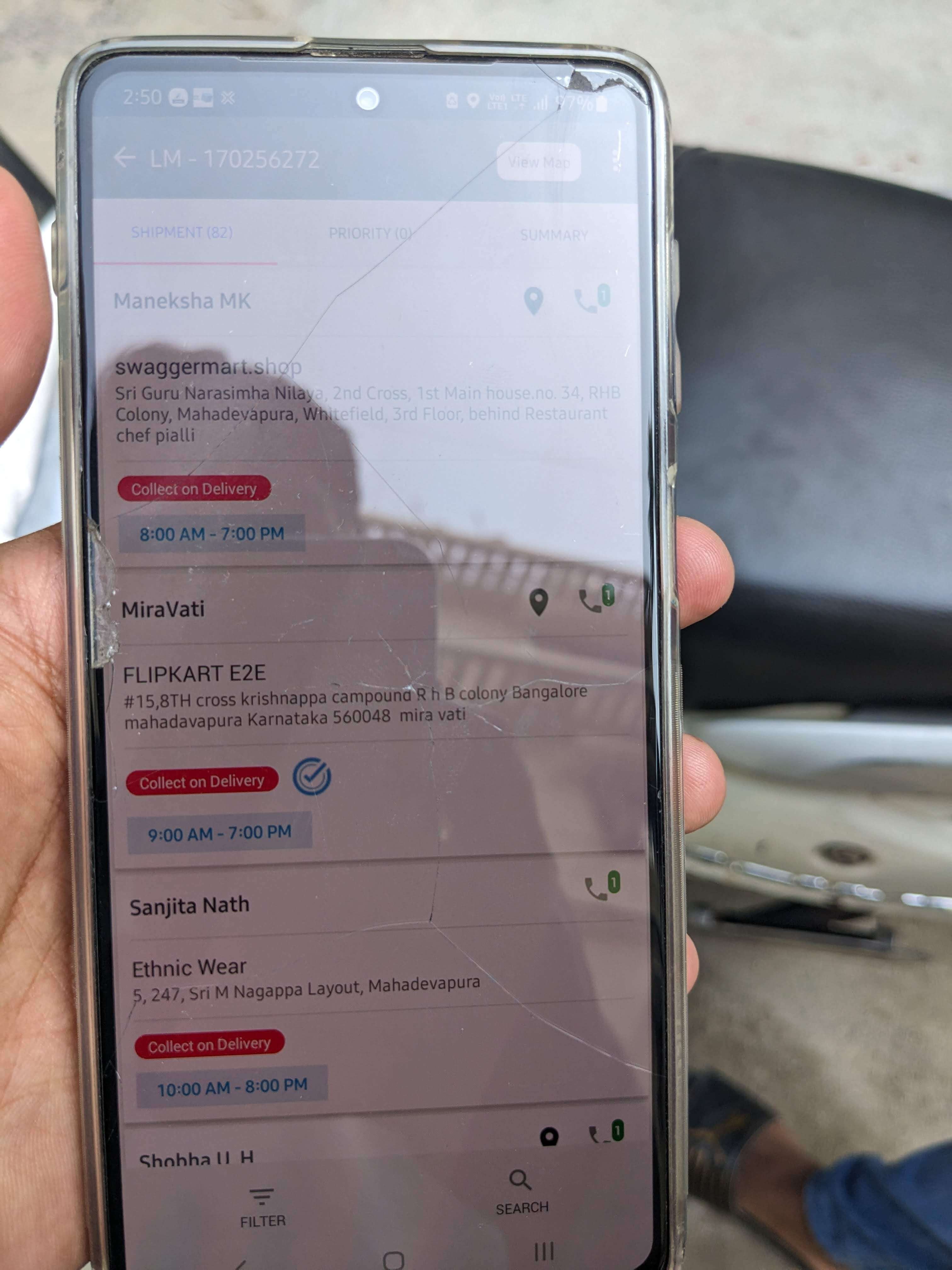
Mobile app used: LM Pro (internal)
Last-mile User Journey
User journey at last-mile Distribution Centre (DC)
Mobile app used: LM Pro (internal)
Notes / Observations
From 1. FC Operations; 2. DC Operations; 3. OS1 for DC
Advantages
Shortcomings
Notes
Before assigning dispatches
Driver reach DC with vehicle by 8am* for first shift
DispatchOne route optimisation would save time in sequencing orders and mapping the route.
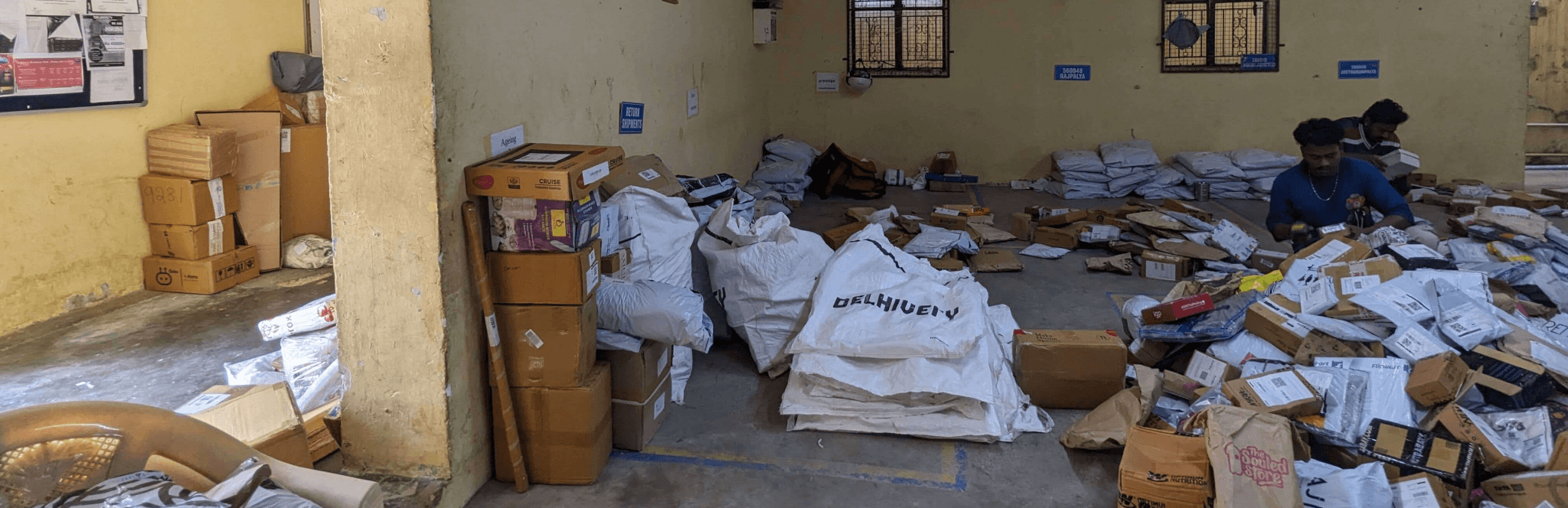
Orders received from hub are moved to their respective location based groups/zones
TL would choose all the orders to be delivered today and generate dispatch using route optimisation.
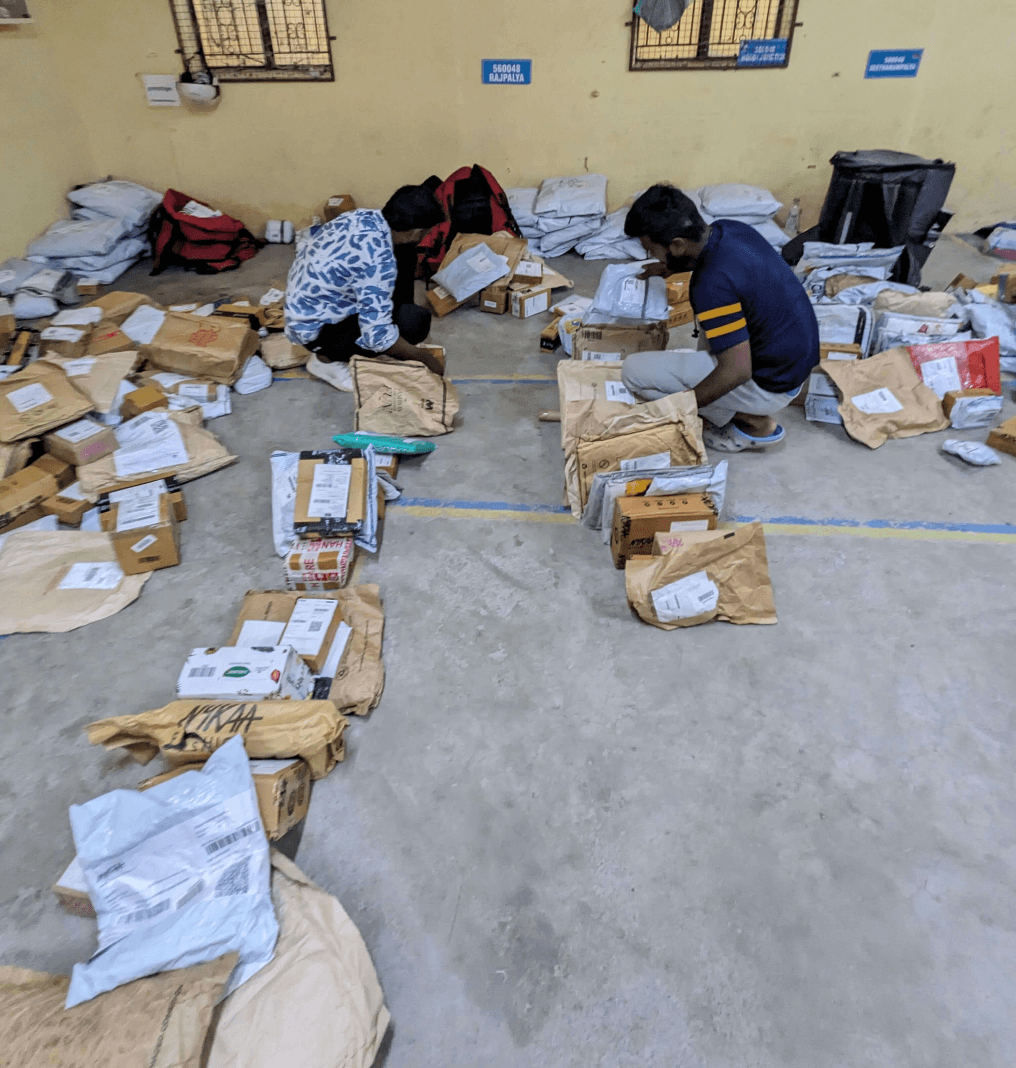
Drivers of respective zones sort orders in delivery sequence based on their tribal knowledge of locations.
Adding Orders
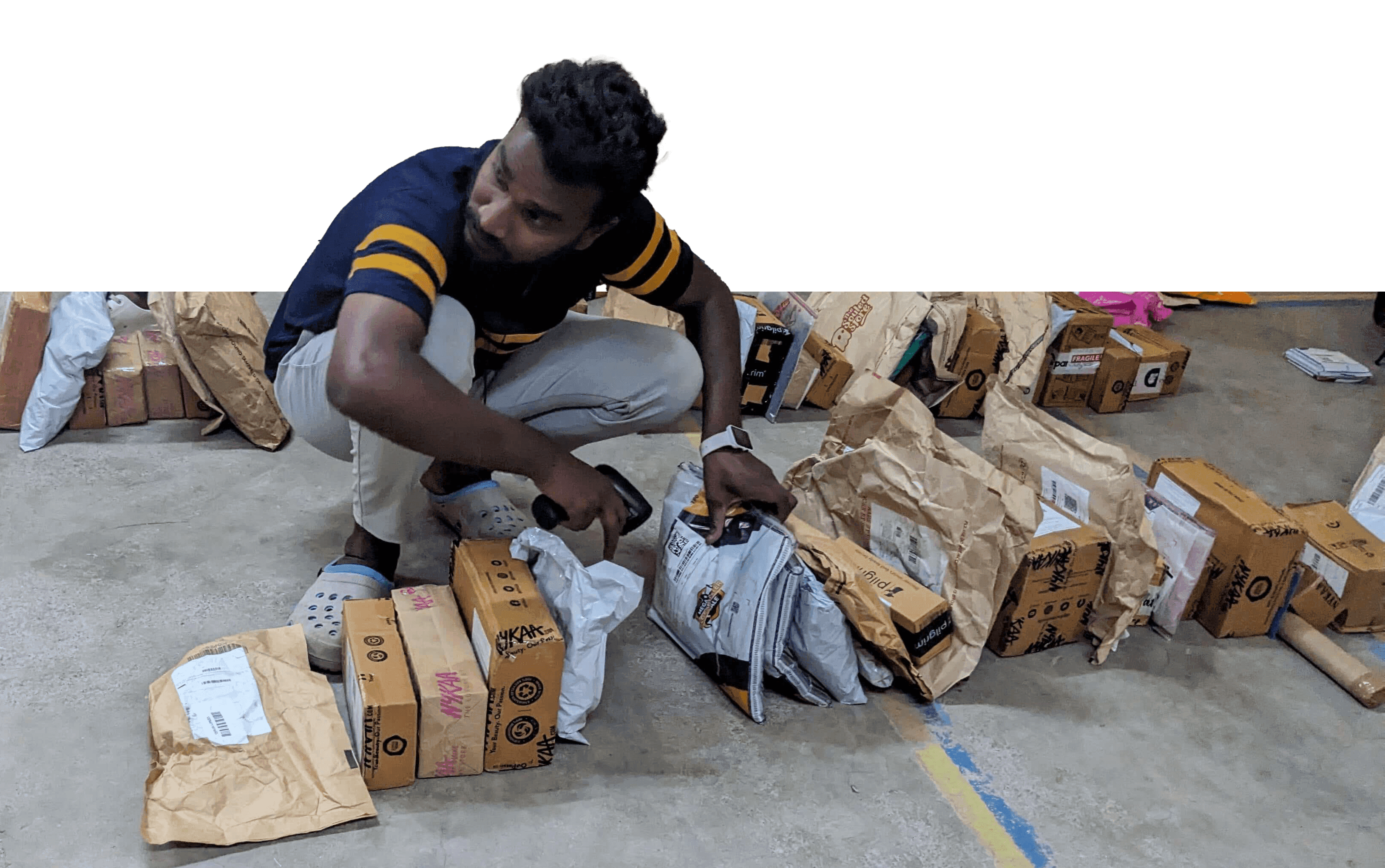
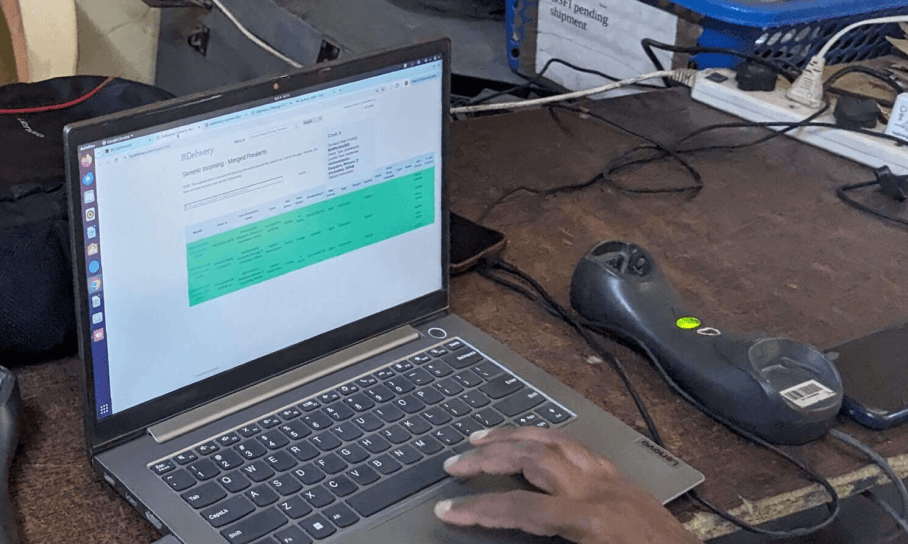
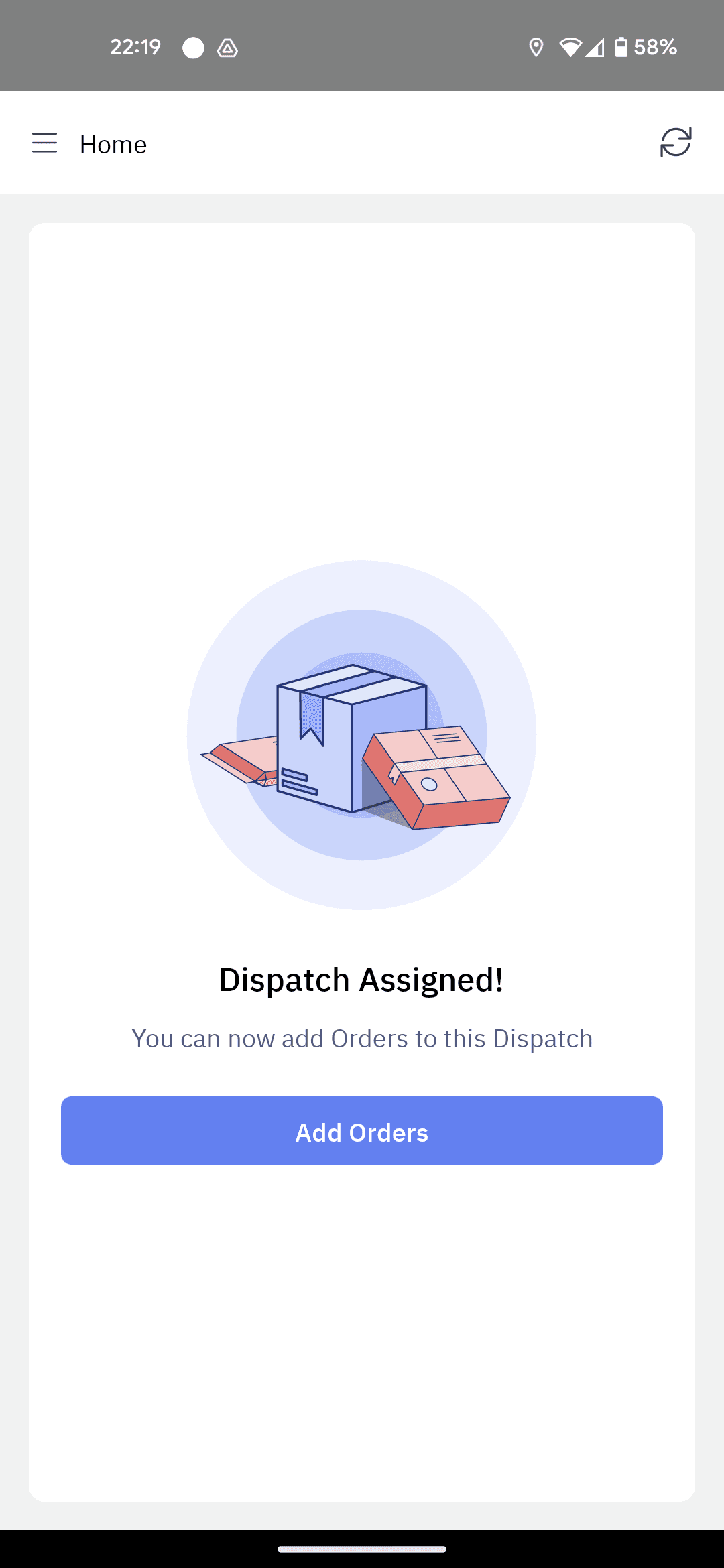
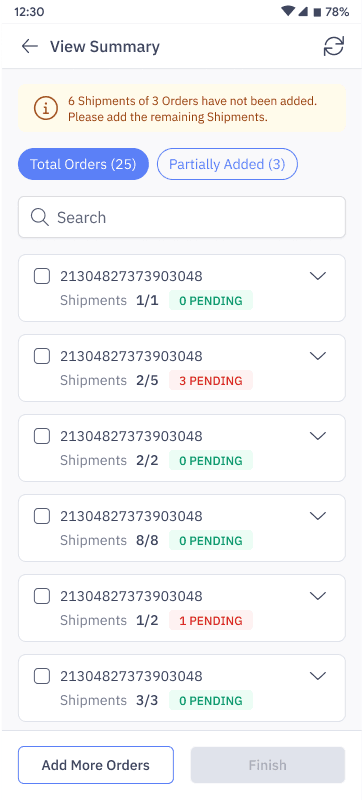
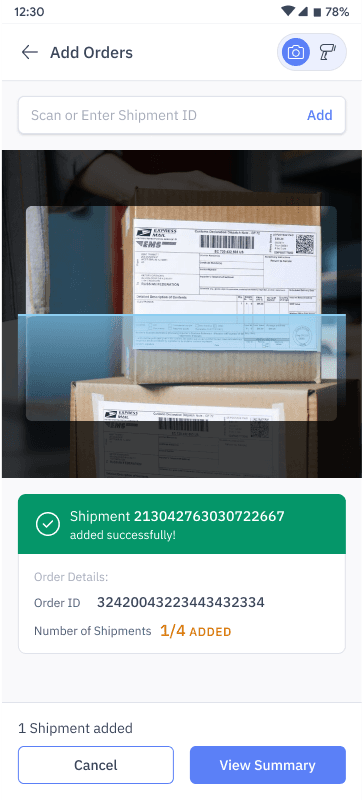
Drivers can add orders to their dispatch using mobile app. No dependency on TL
For orders with multiple shipments, even if one shipment is missing/damaged, whole order needs to be Rescheduled.
While riders scan shipments, using HHD, TL creates a trip/dispatch and assign that to driver.
Drivers can choose to add orders.
But tour will no longer be optimised.
Starting a Dispatch
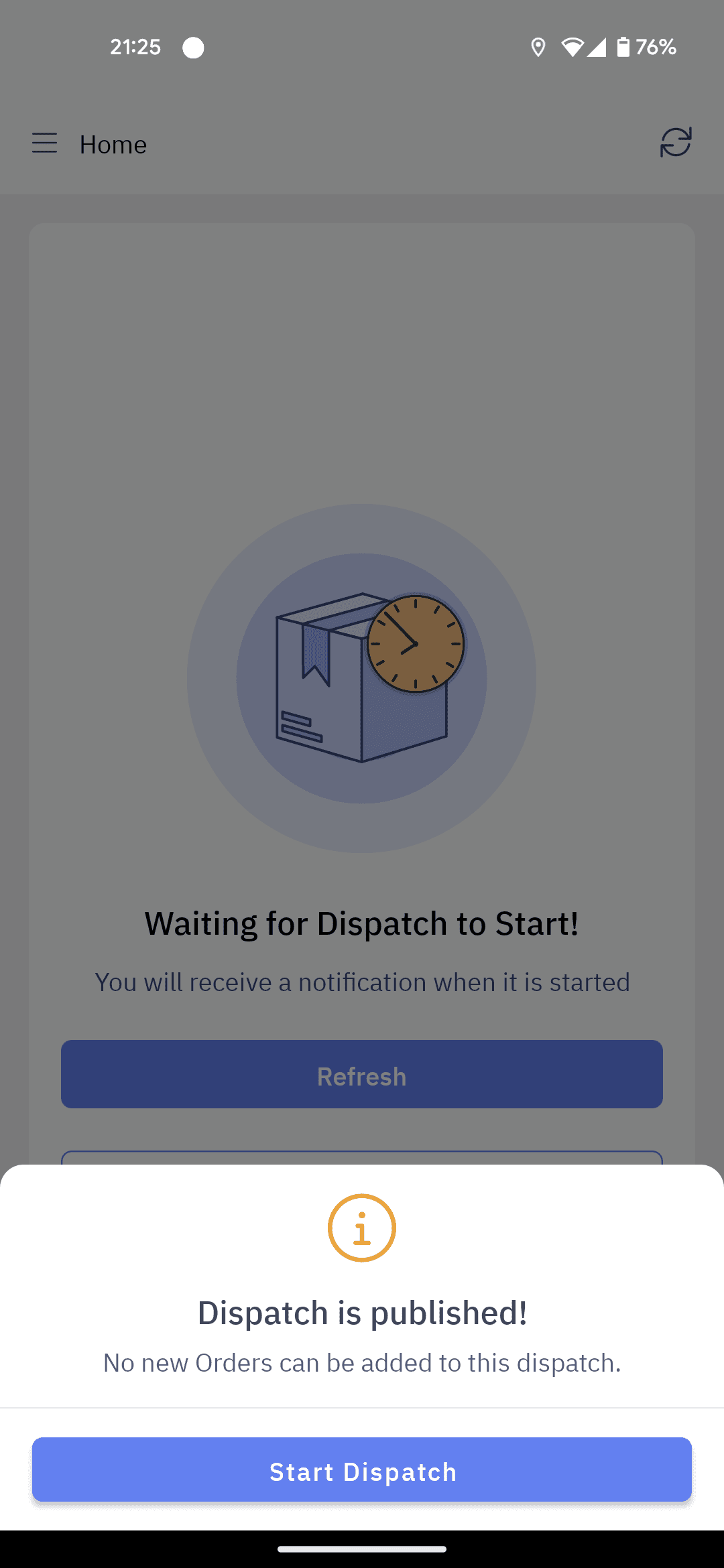
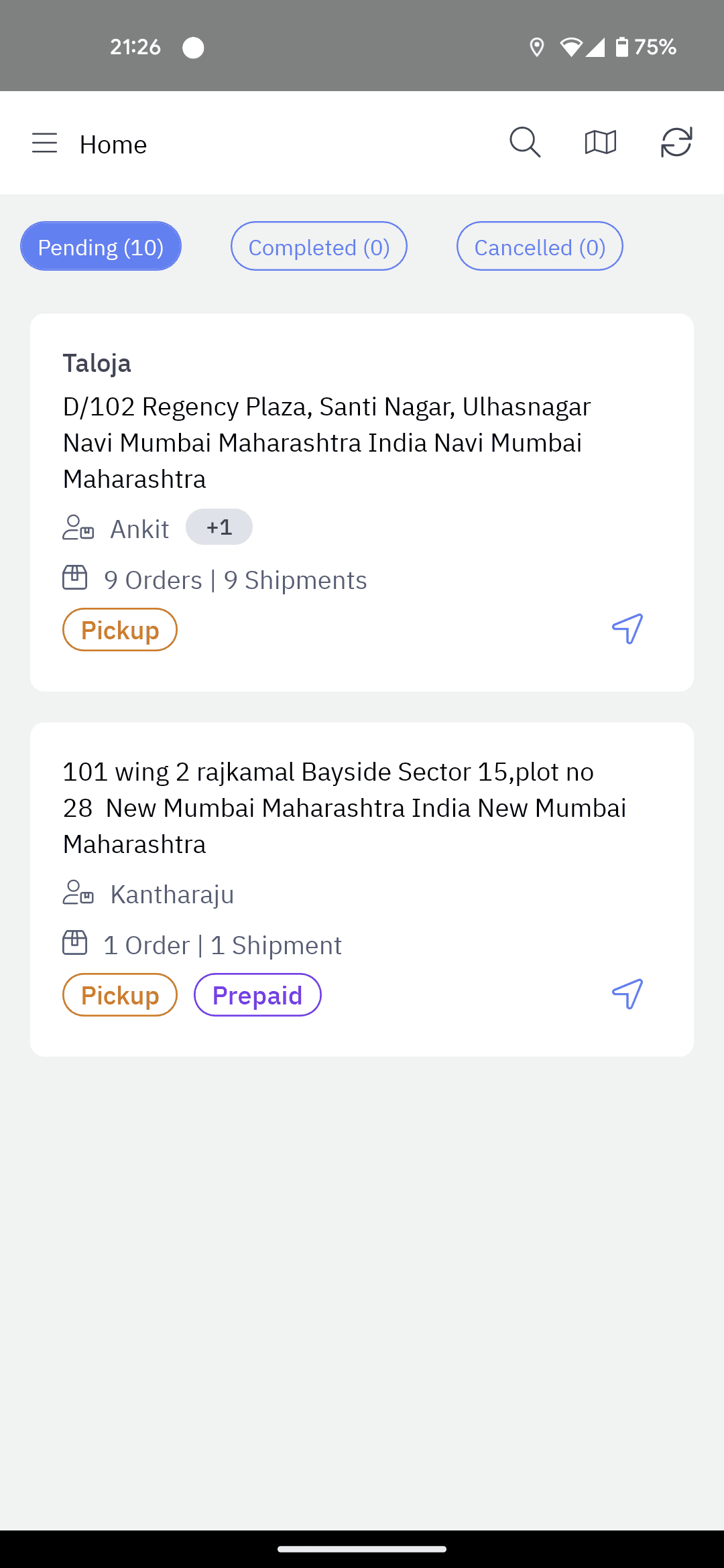
Drivers hold up the queue by waiting at TL’s desk until orders are loaded in app.
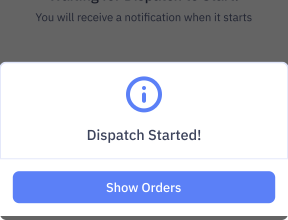
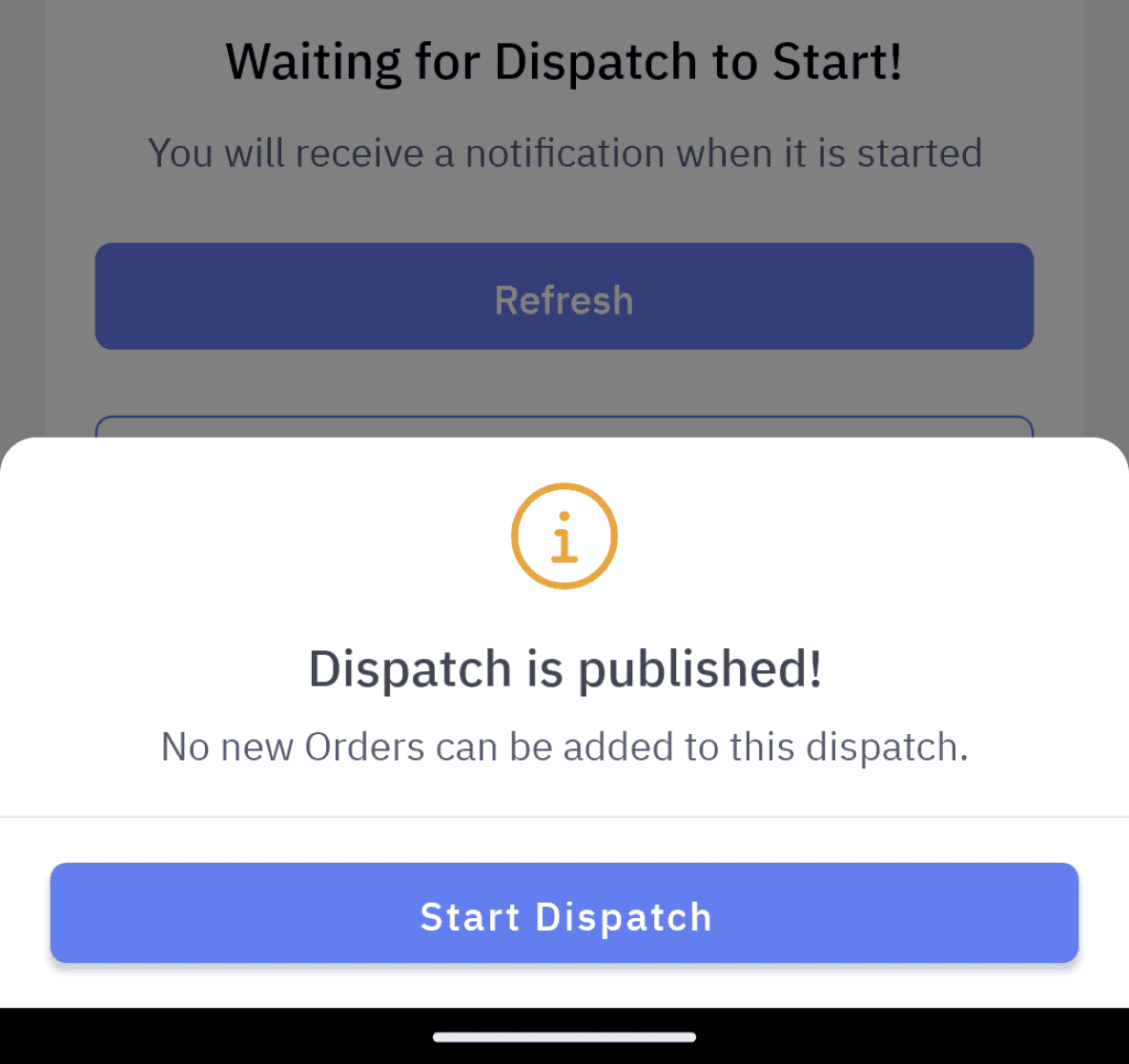
TL must publish a dispatch through web dashboard.
LM Pro App
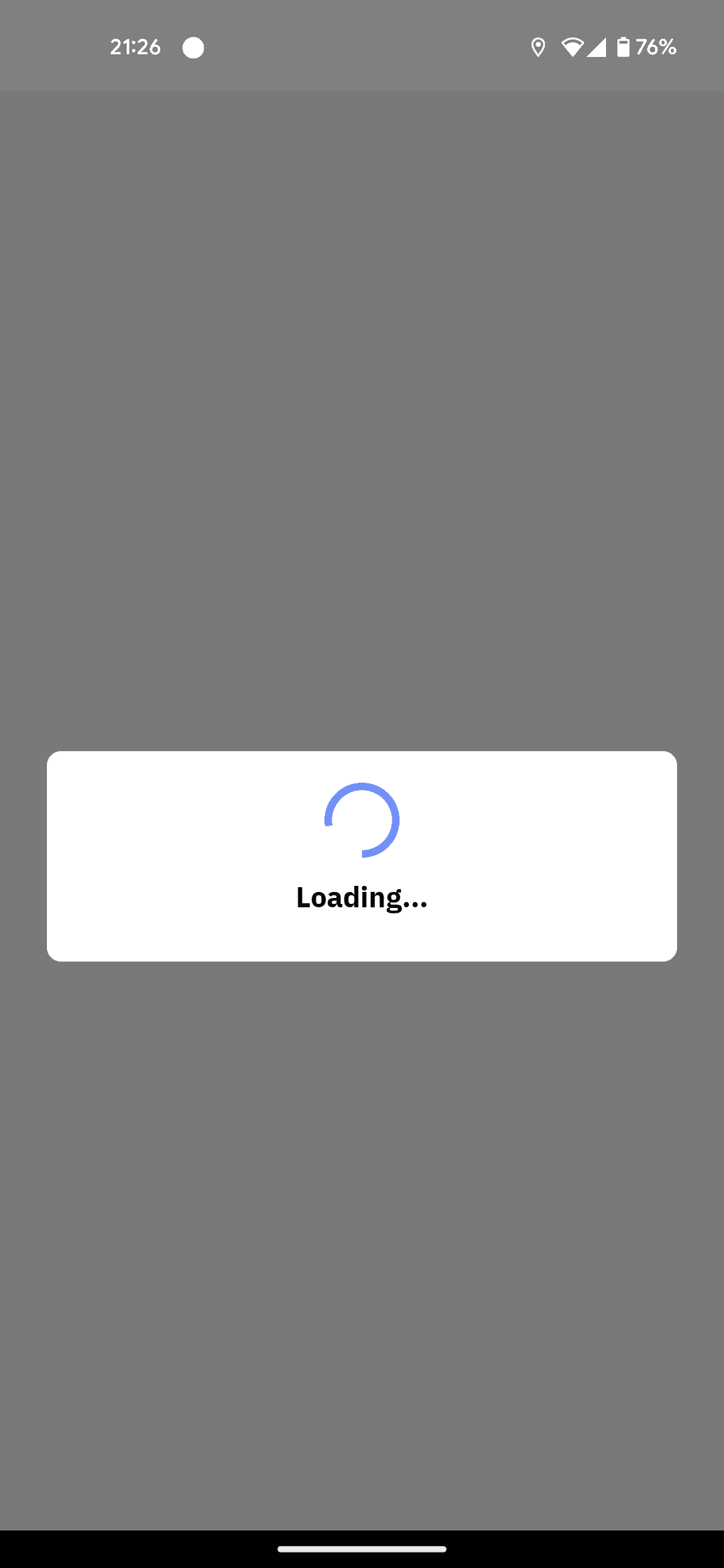
Loading list of tasks is taking 40 sec, holding up the driver at TL’s desk.
Drivers crosscheck list of orders from app are matching with shipments in hand.
List of tasks
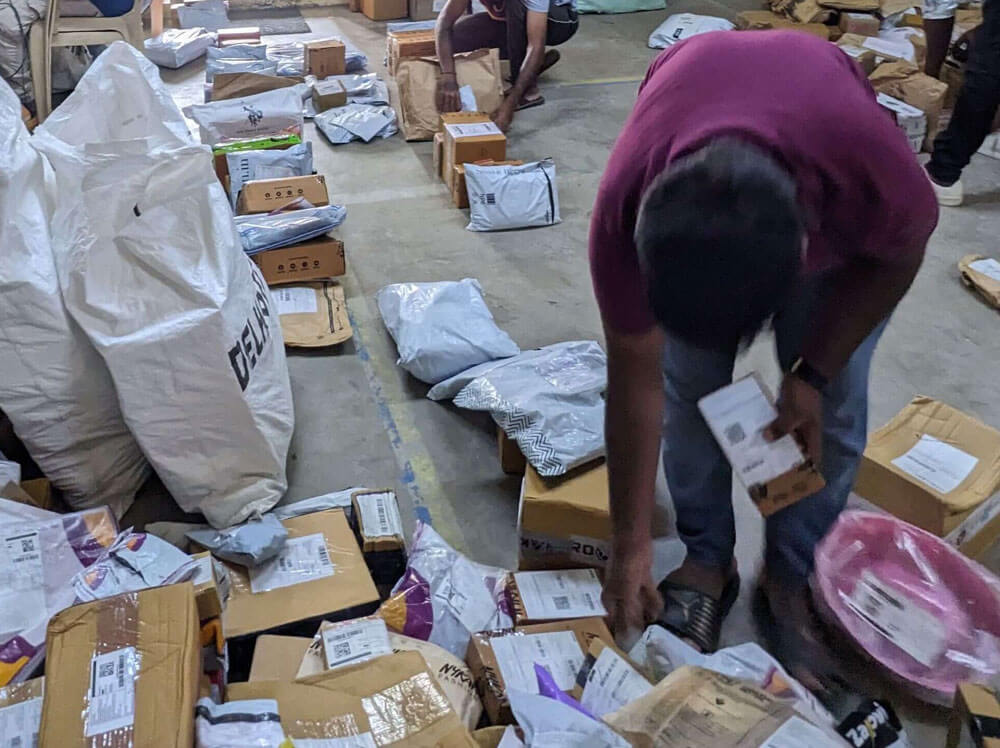
Picking up for Bagging
Delivery tasks are created only if the shipment is picked-up first.
Drivers bag the shipments in last in first out order.
In OS1 mobile app, bagging can be defined as a ‘Pickup’ task.
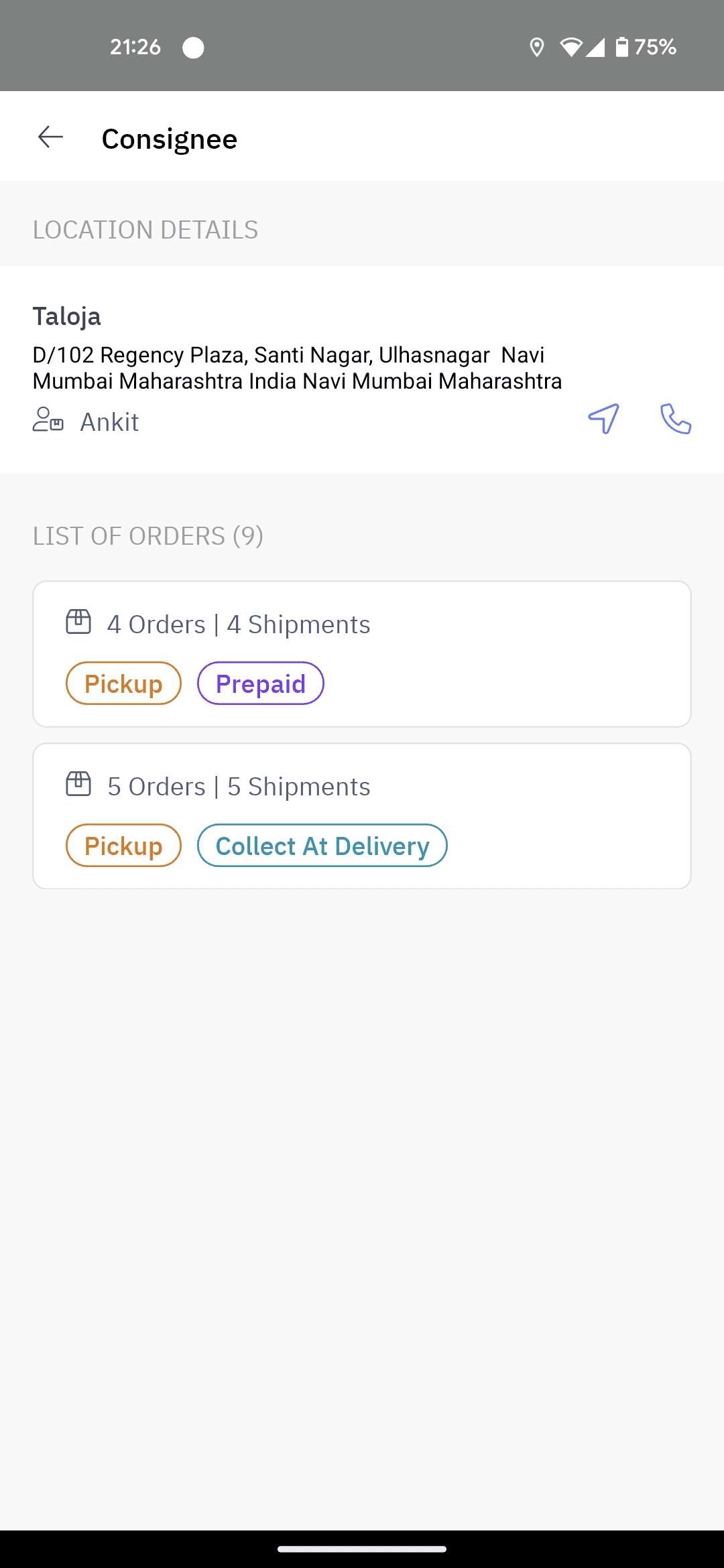
This task can be used for picking up return orders from customer location too.
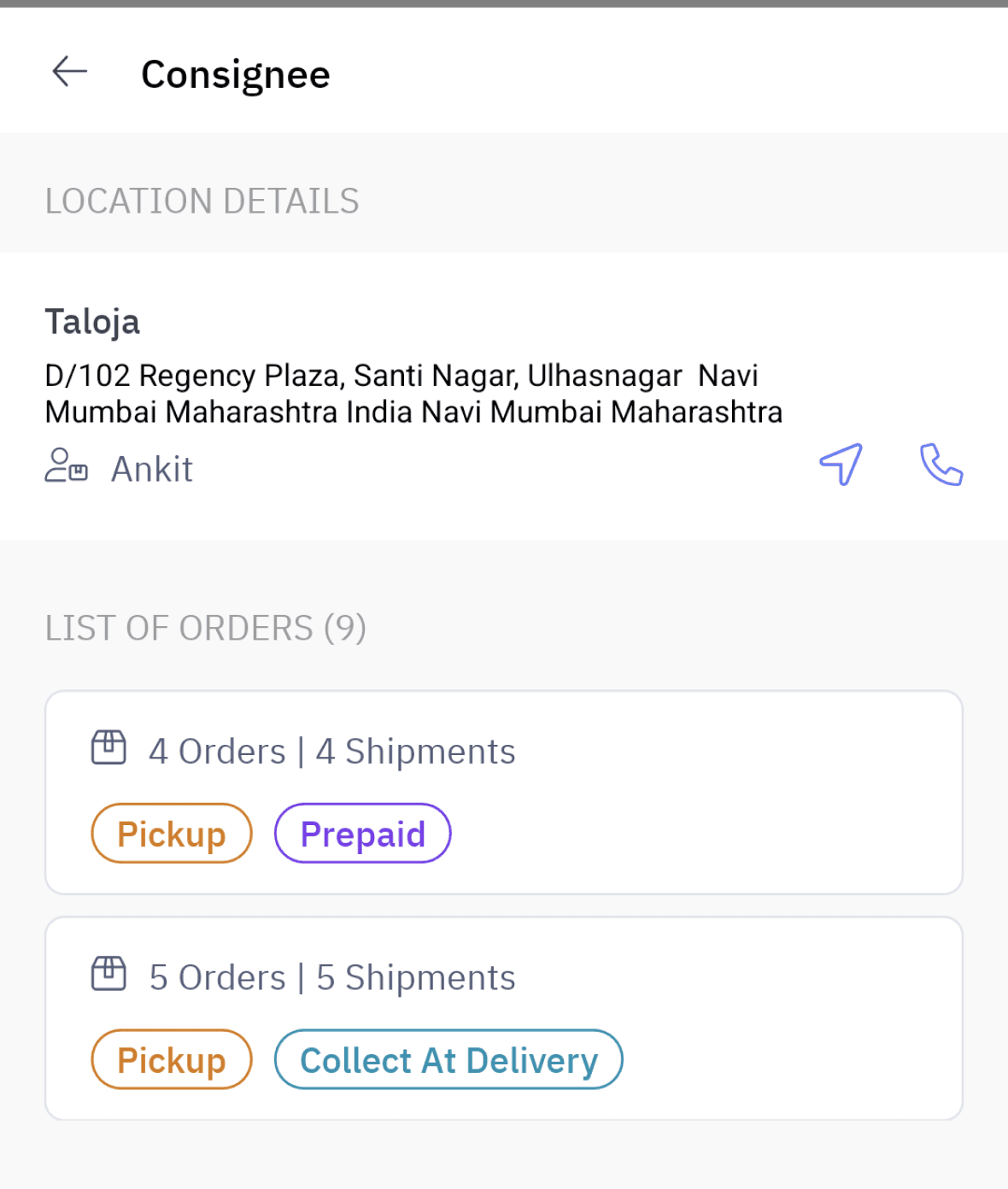
Grouping screen is creating confusion by adding extra screen.
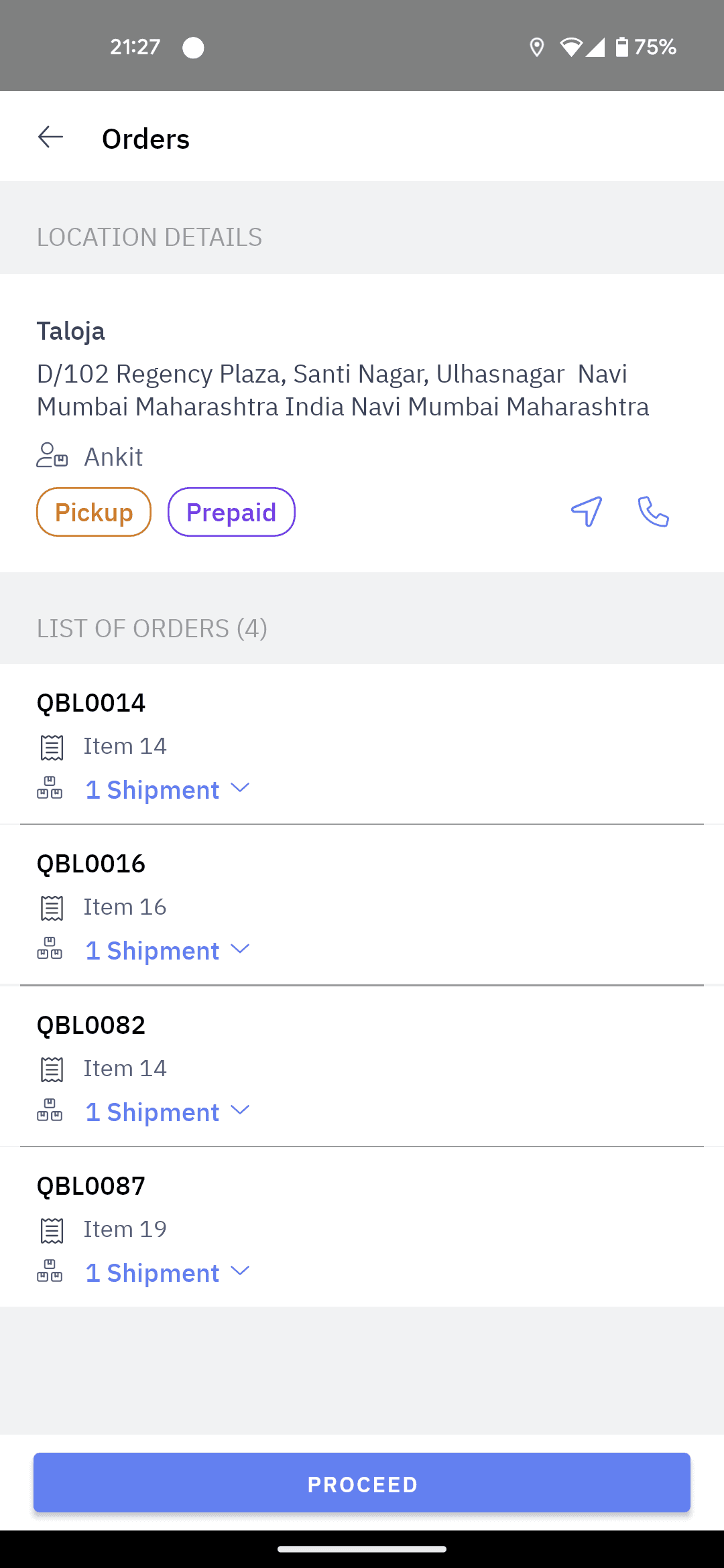
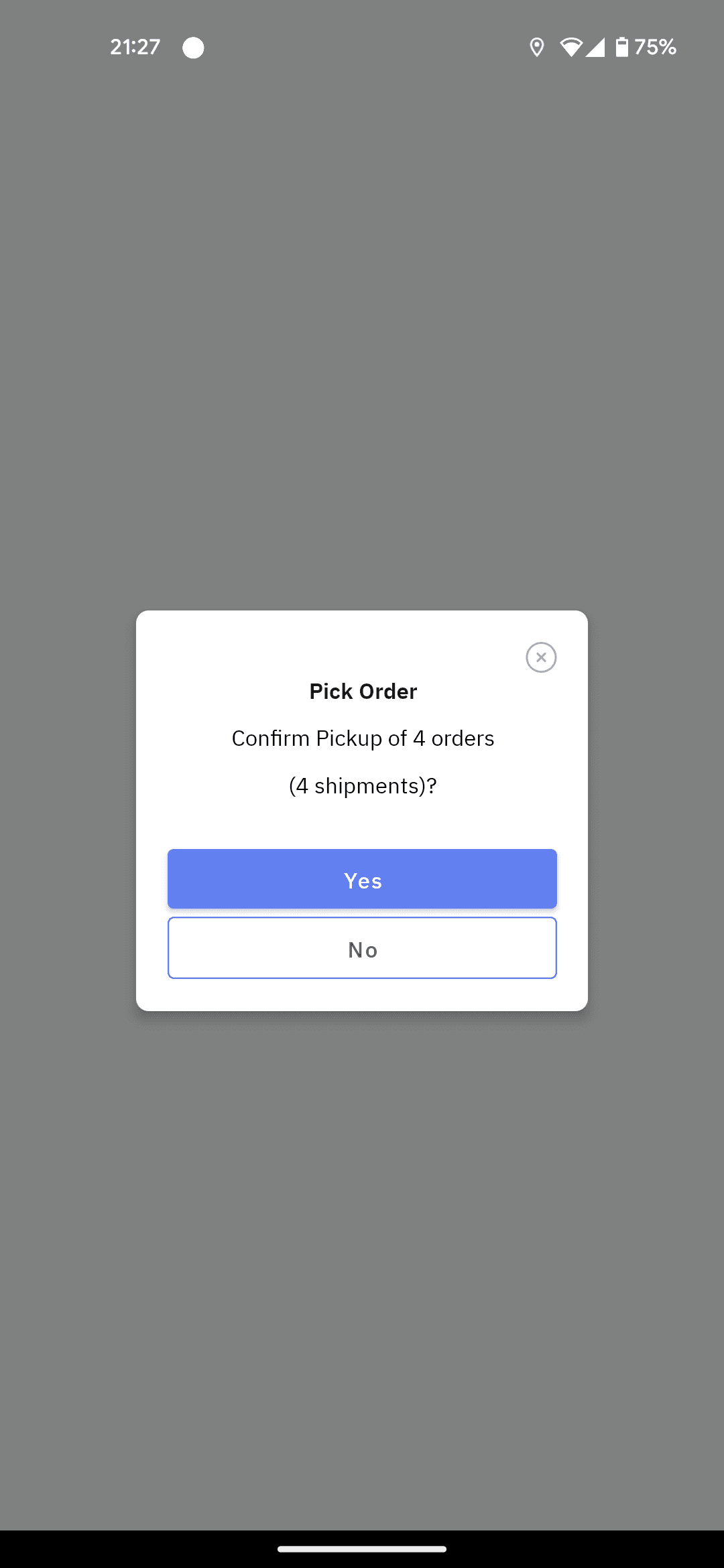
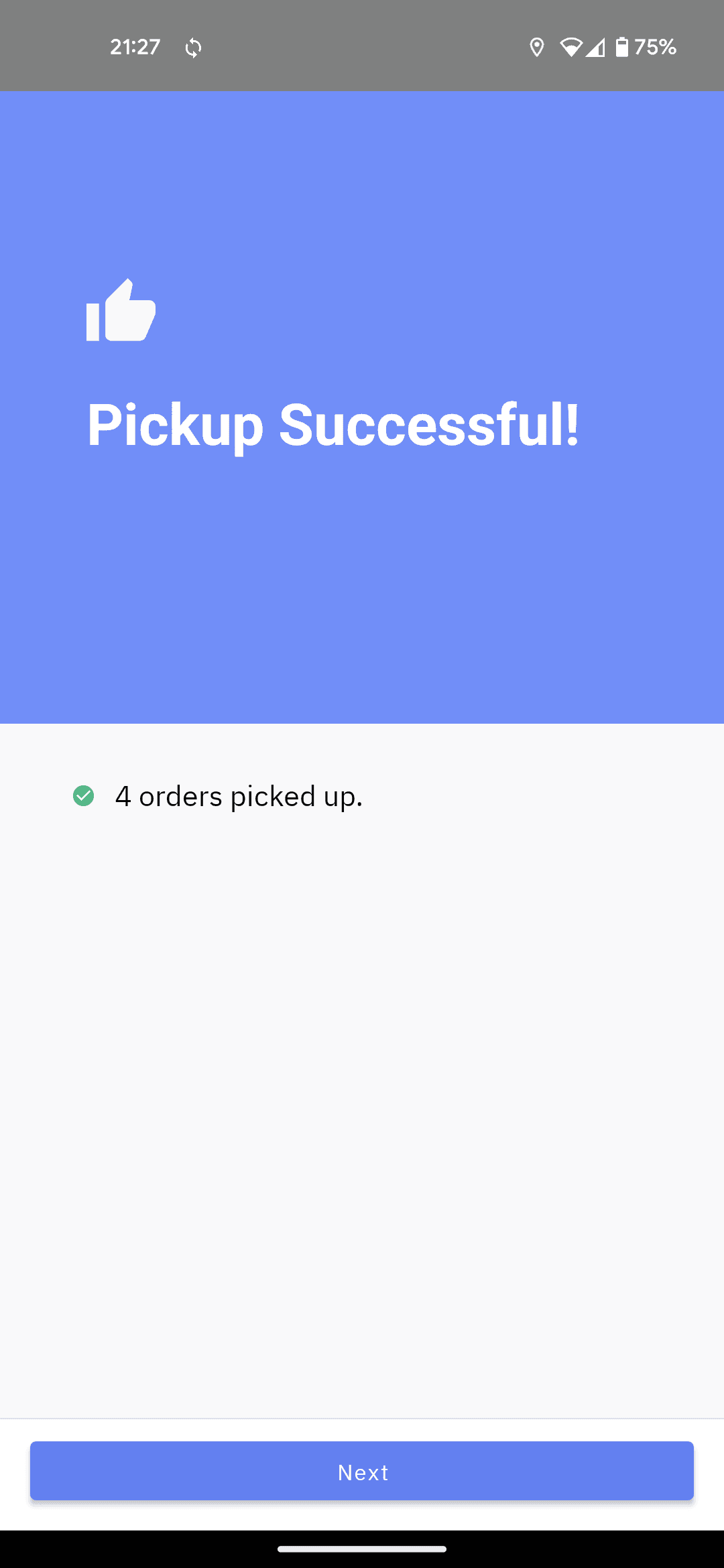
Confirmation screens are adding an extra click.
Informing Customer
9 of 12 drivers use earphones for phone calls.
Drivers prefer skipping a delivery if there is no response from customer.
Driver calls the upcoming customer to inform about upcoming delivery.
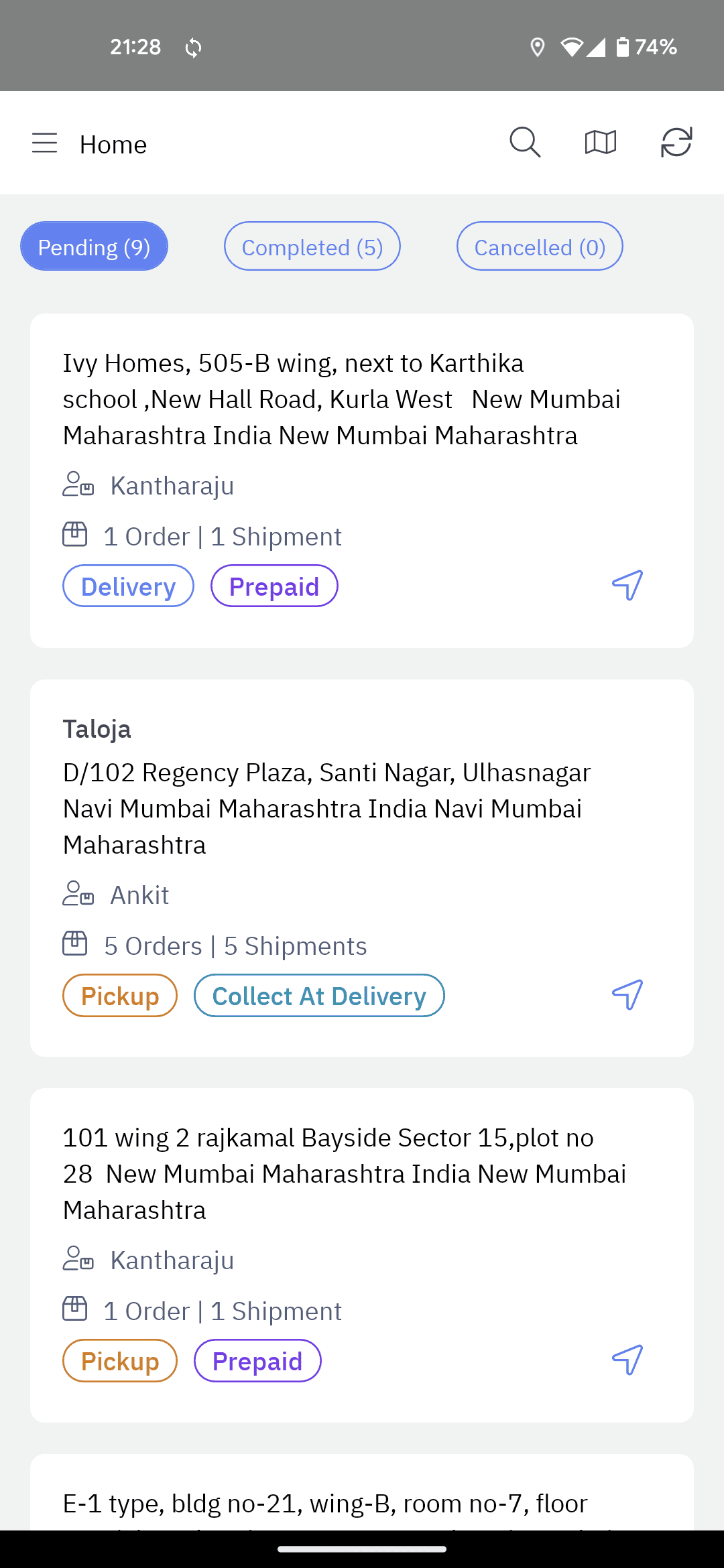
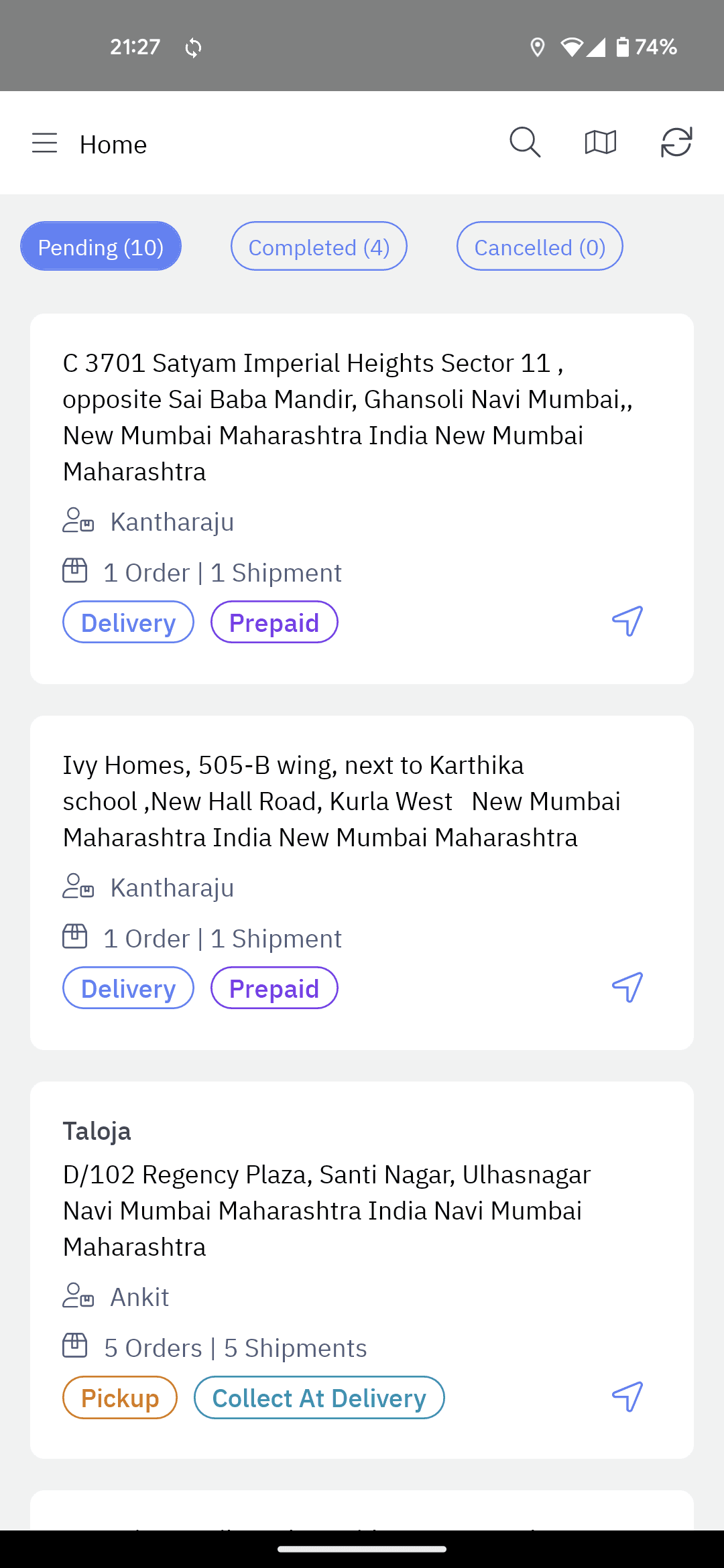
Despite calling customer being primary action, there is no option in homepage.
Drivers struggle to discover the order in app when they get call back from customer.
Often customers reject or miss the call, therefore calling back driver.
Delivery with COD
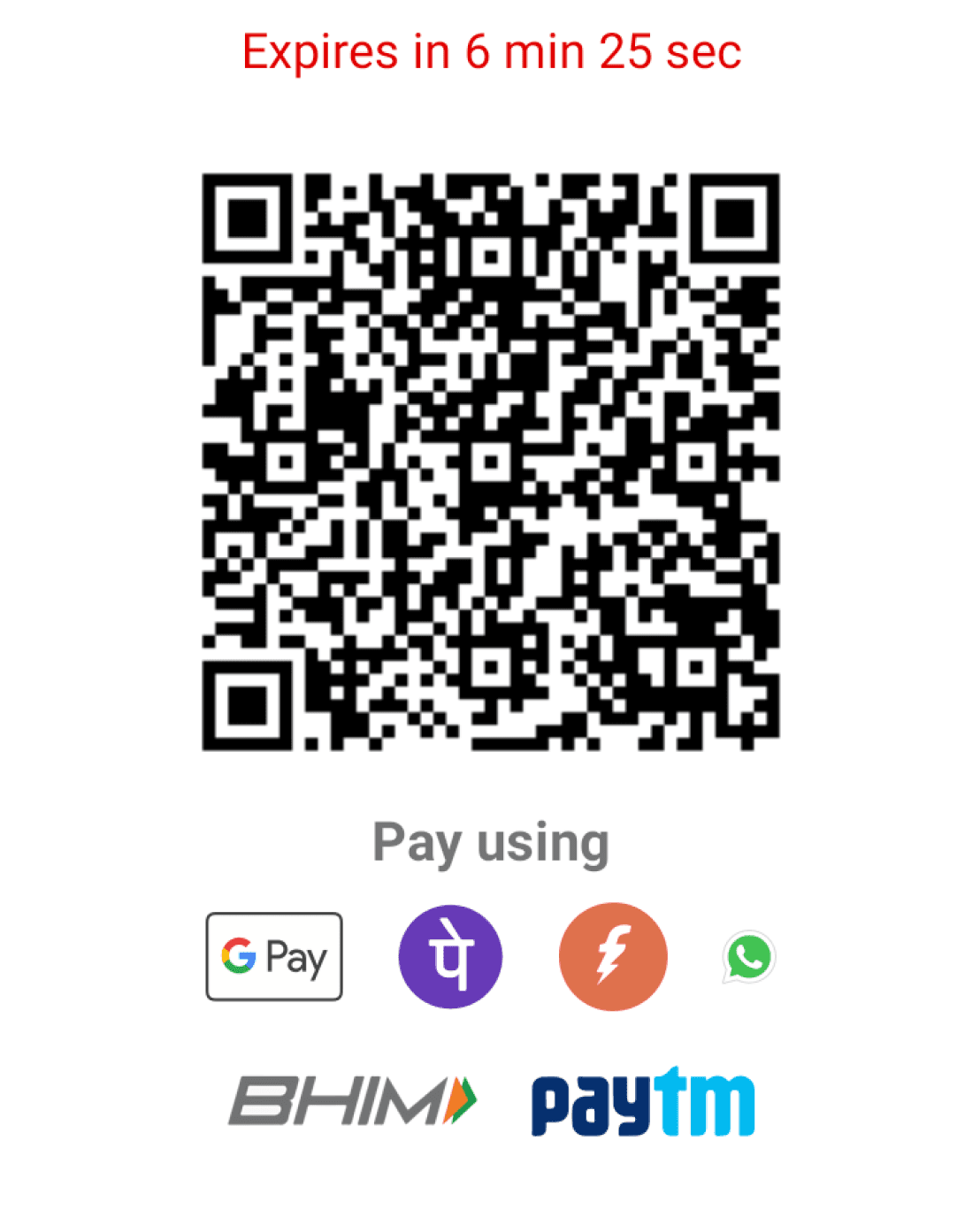
4/5 cash on delivery orders are paid by UPI.
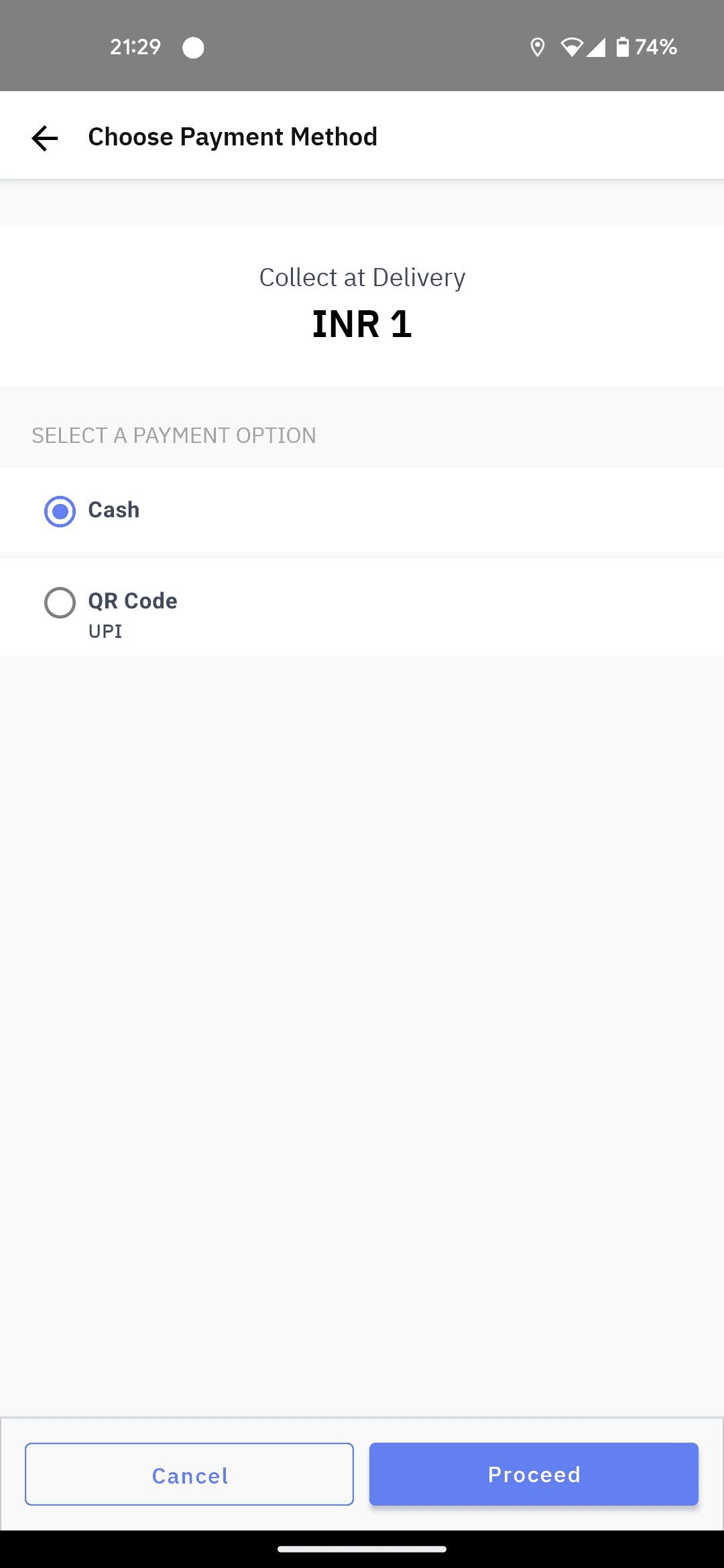
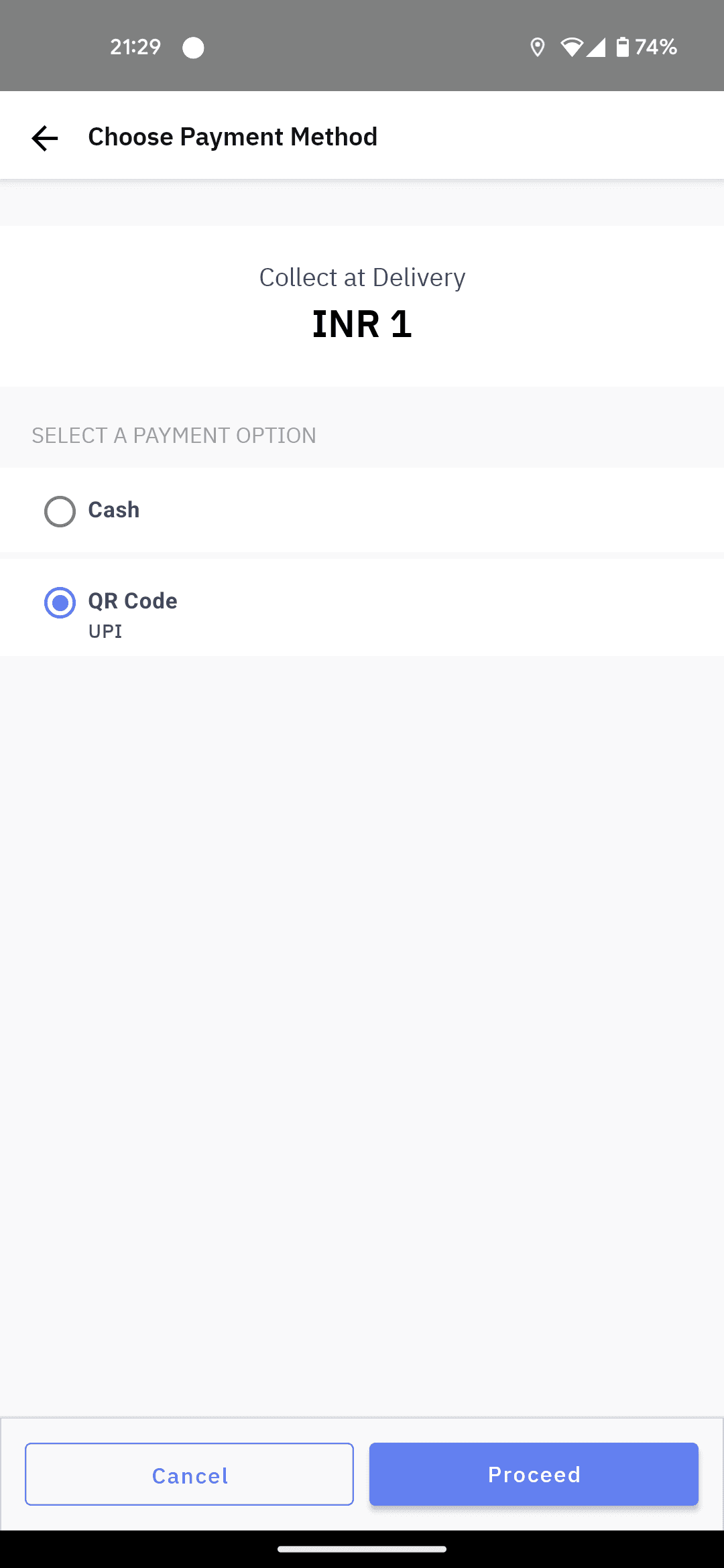
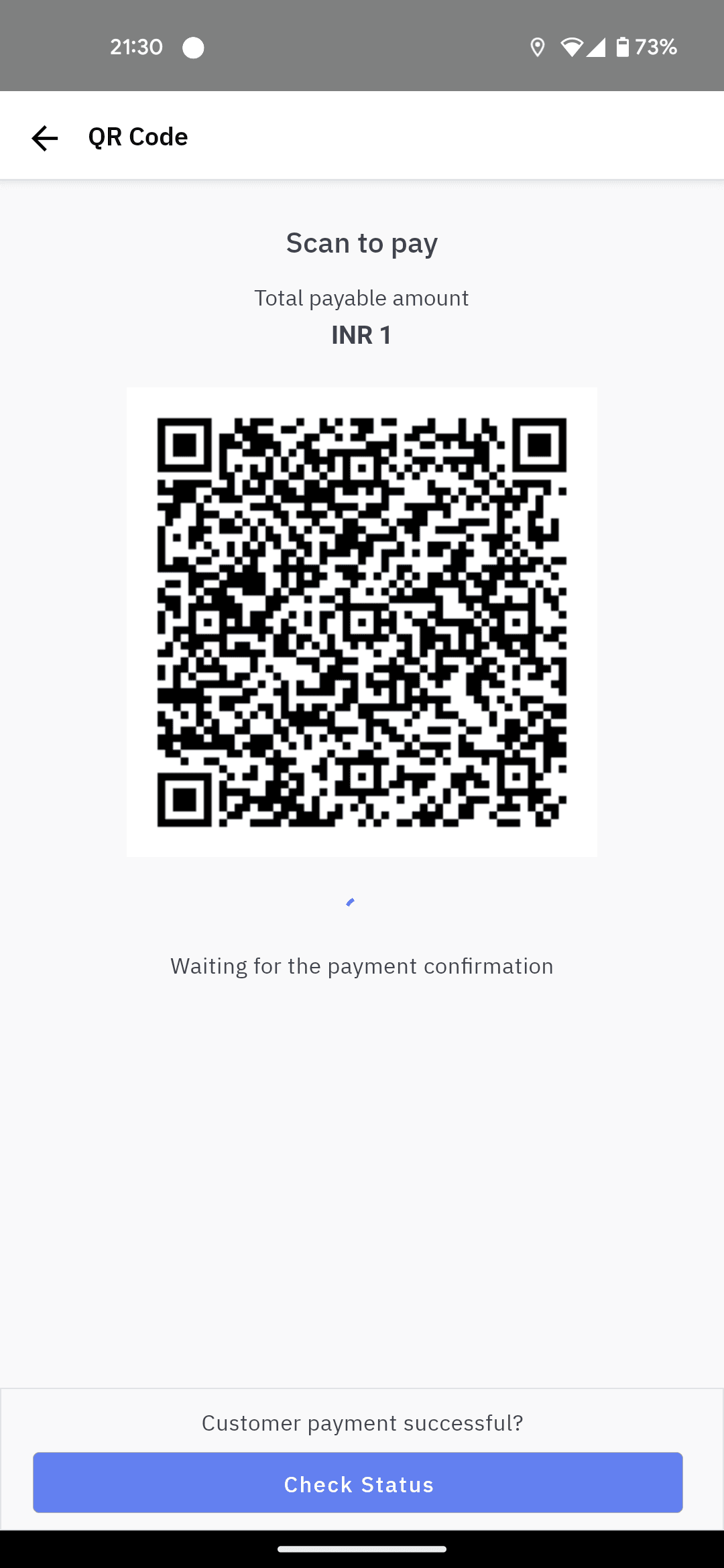
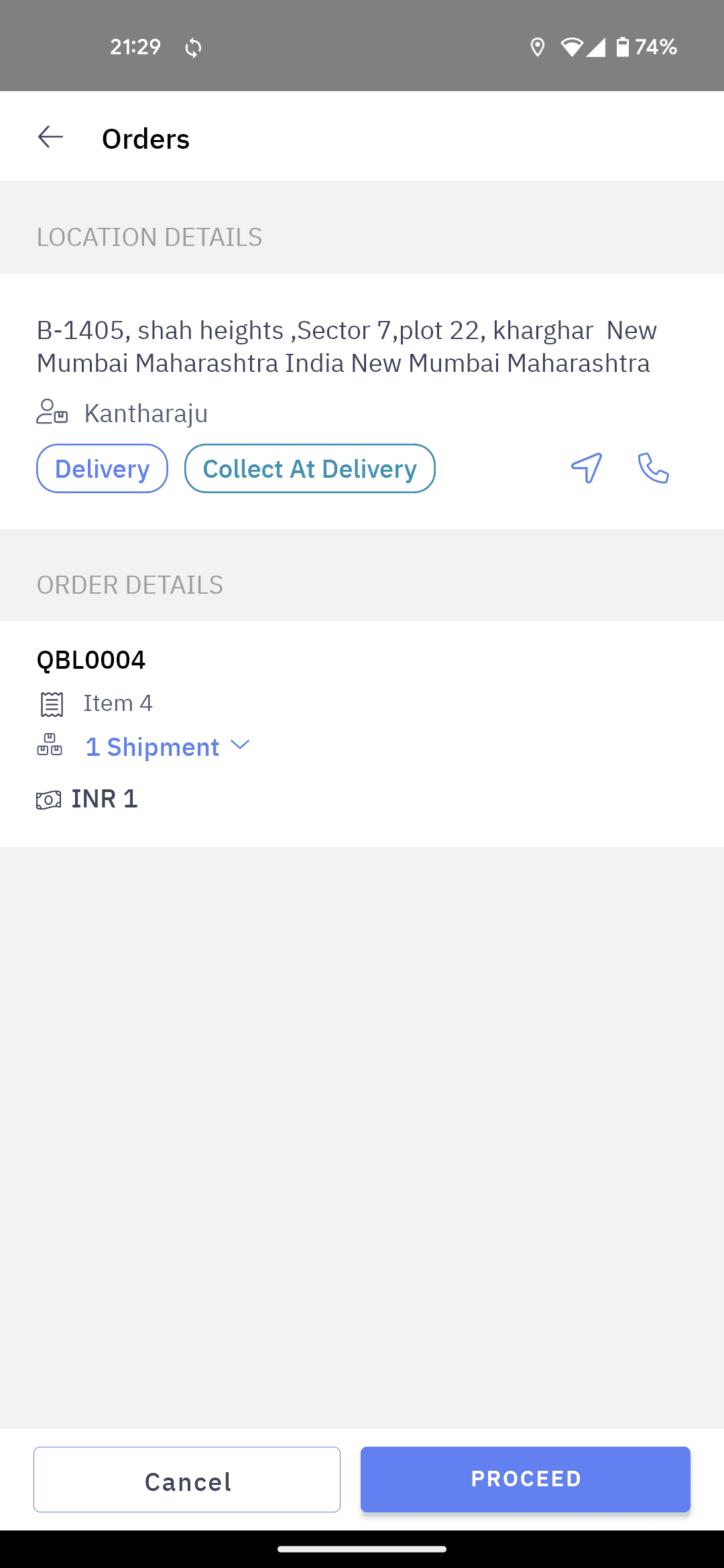
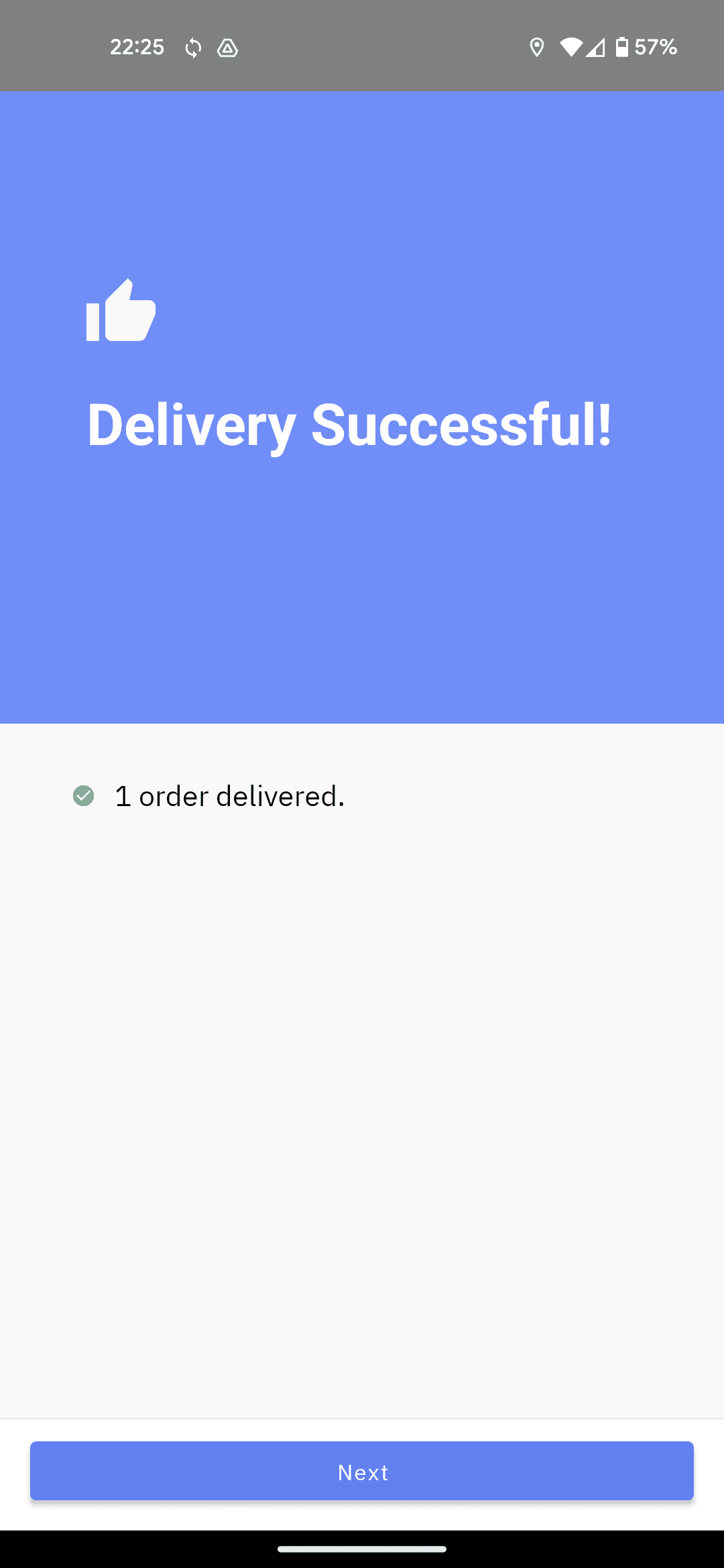
Payment flow has too many screens, additionally loading time is high.
Payment flow has too many screens, additionally loading time is high.
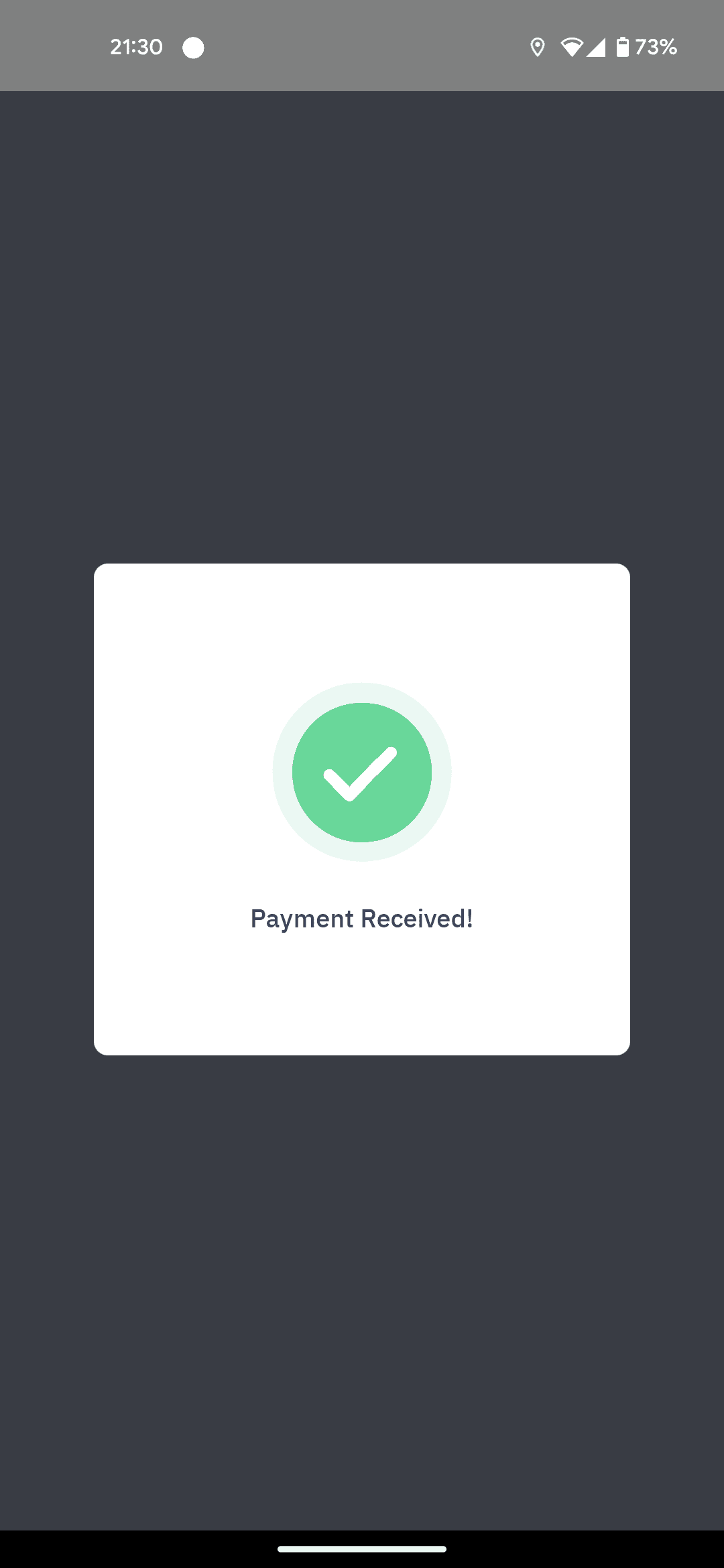
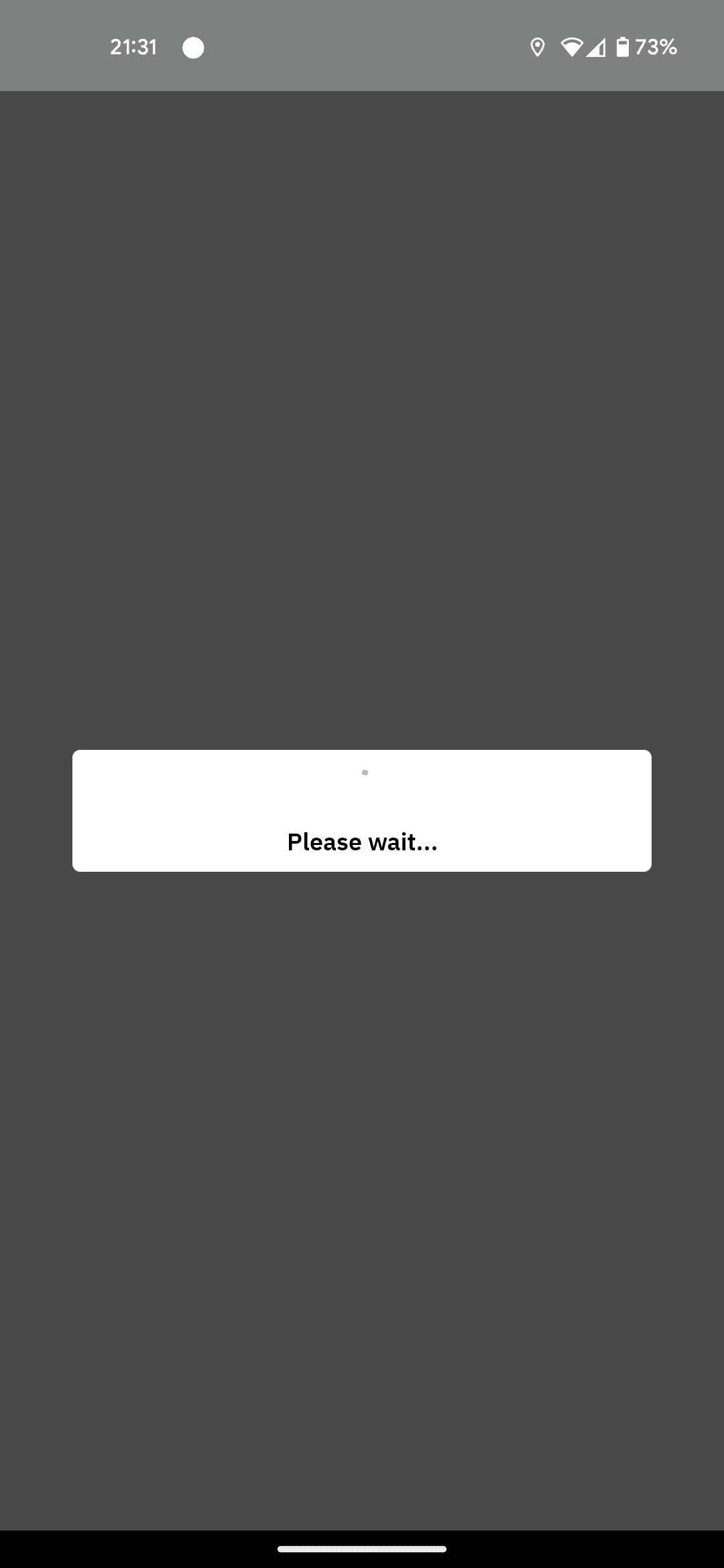
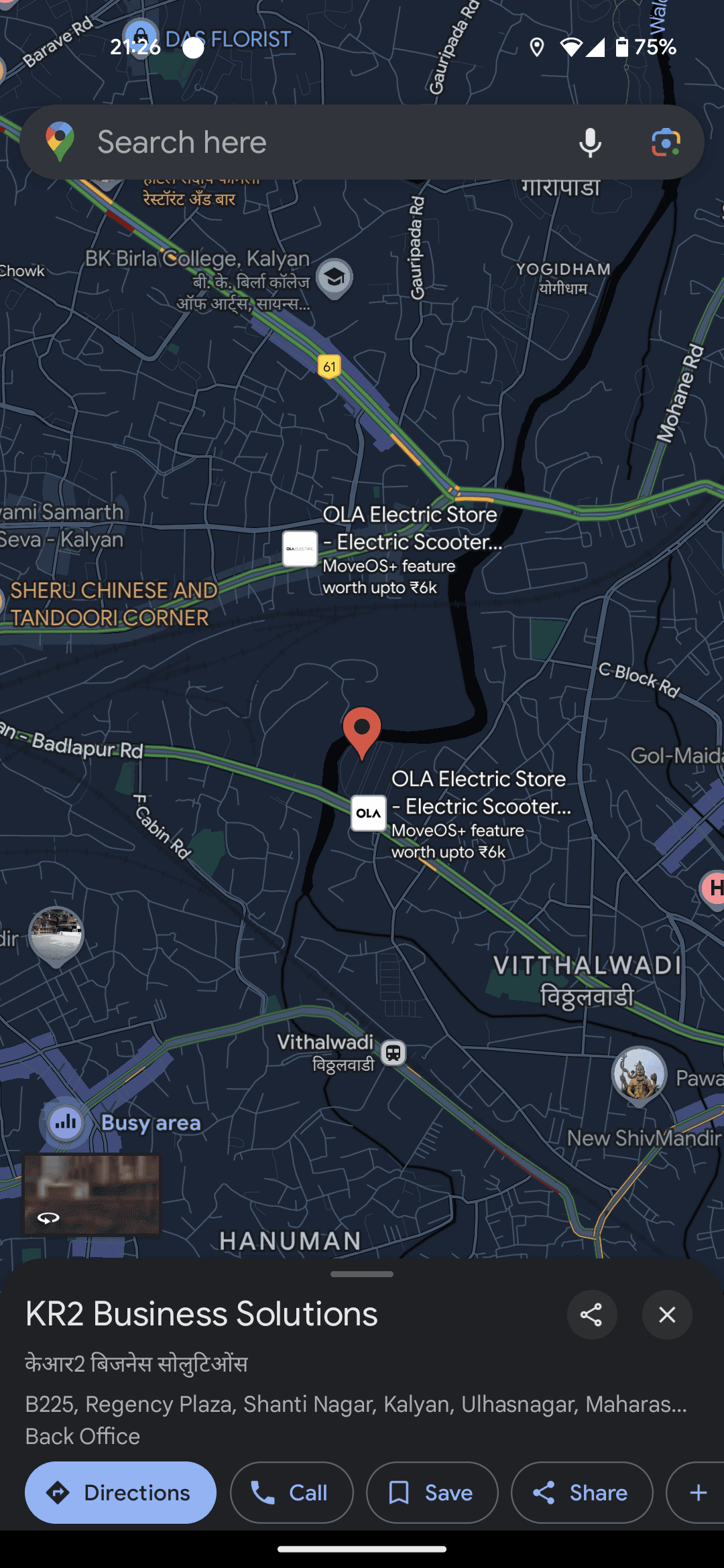
Delivery with PoD
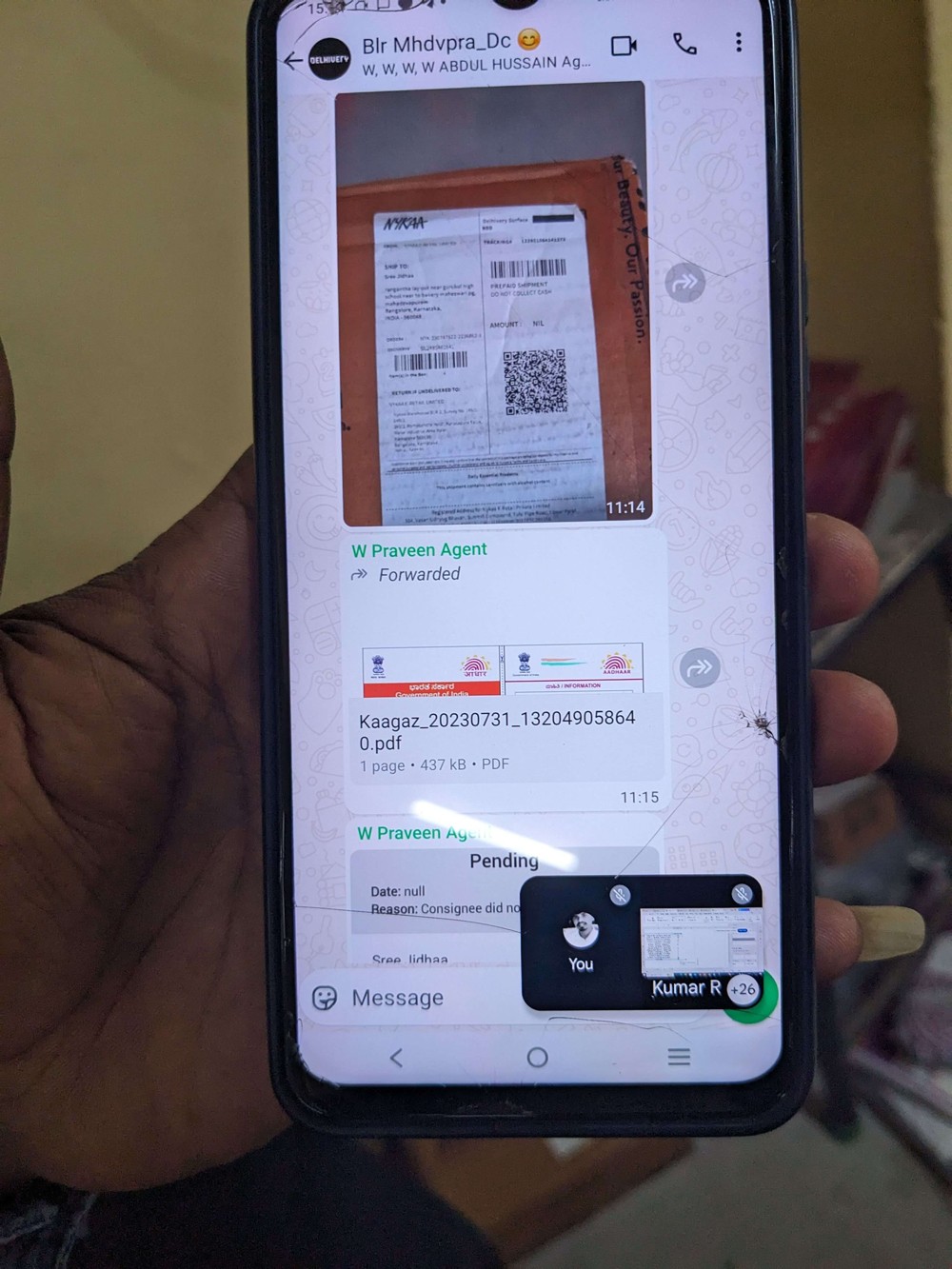
Incase of someone else receiving the delivery, drivers collect id proof and share the same in a whatsapp group as PoD.
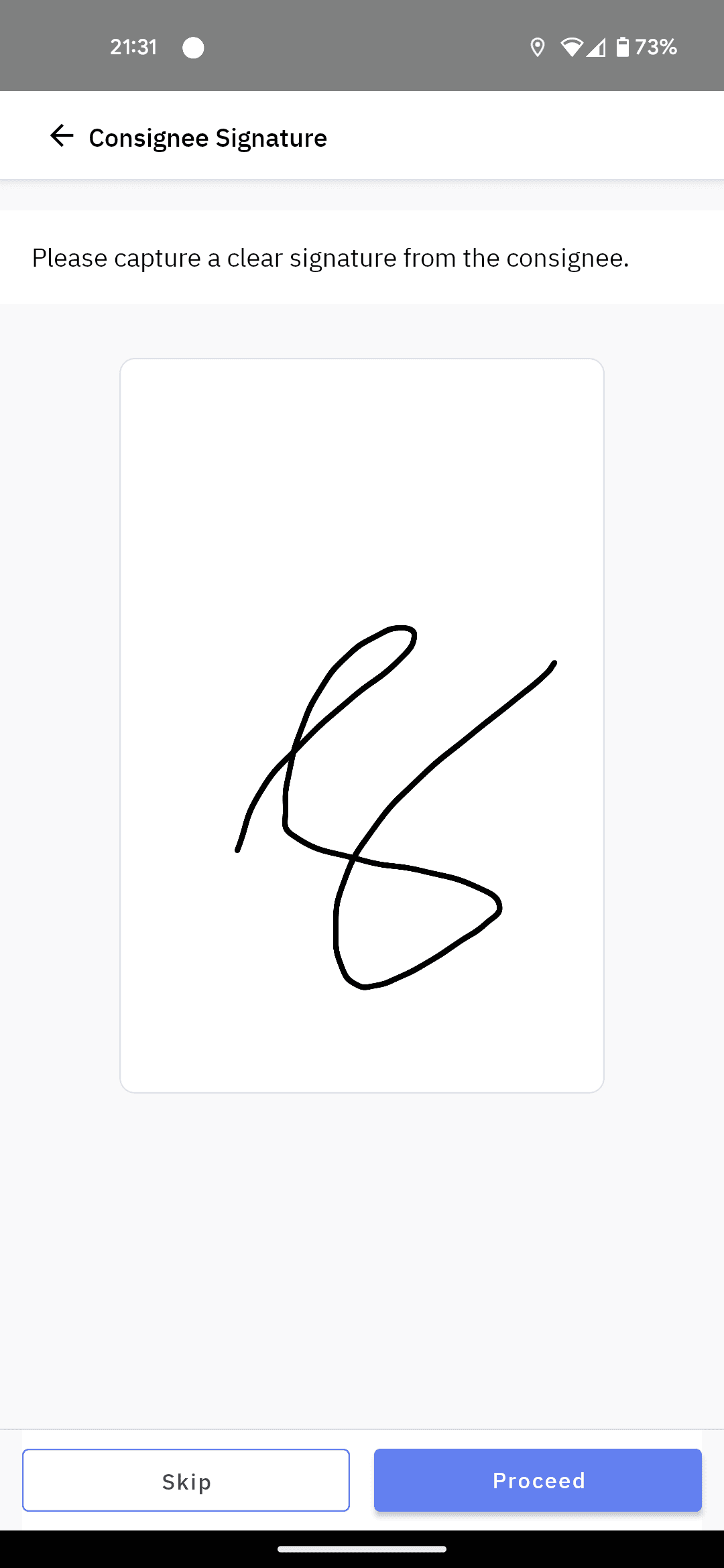
OS1 app can be configured such that if driver is delivering order to security, extra flows like ‘signature’, ‘capture image’ can be triggered.
Drivers tend to steer away from app to continue delivering whenever they come across unfamiliar user-flow in app.


New Order Assigned!
2m ago
An Order has been assigned to you.

Ralph Edwards
now
Haha that's terrifying 😂
What's the occasion?
3m ago
Can you bring a big salad? I’m on dessert duty.
9:41
Tuesday, 23 June
9:41
After navigating using maps, drivers go back to home and open OS1 app again
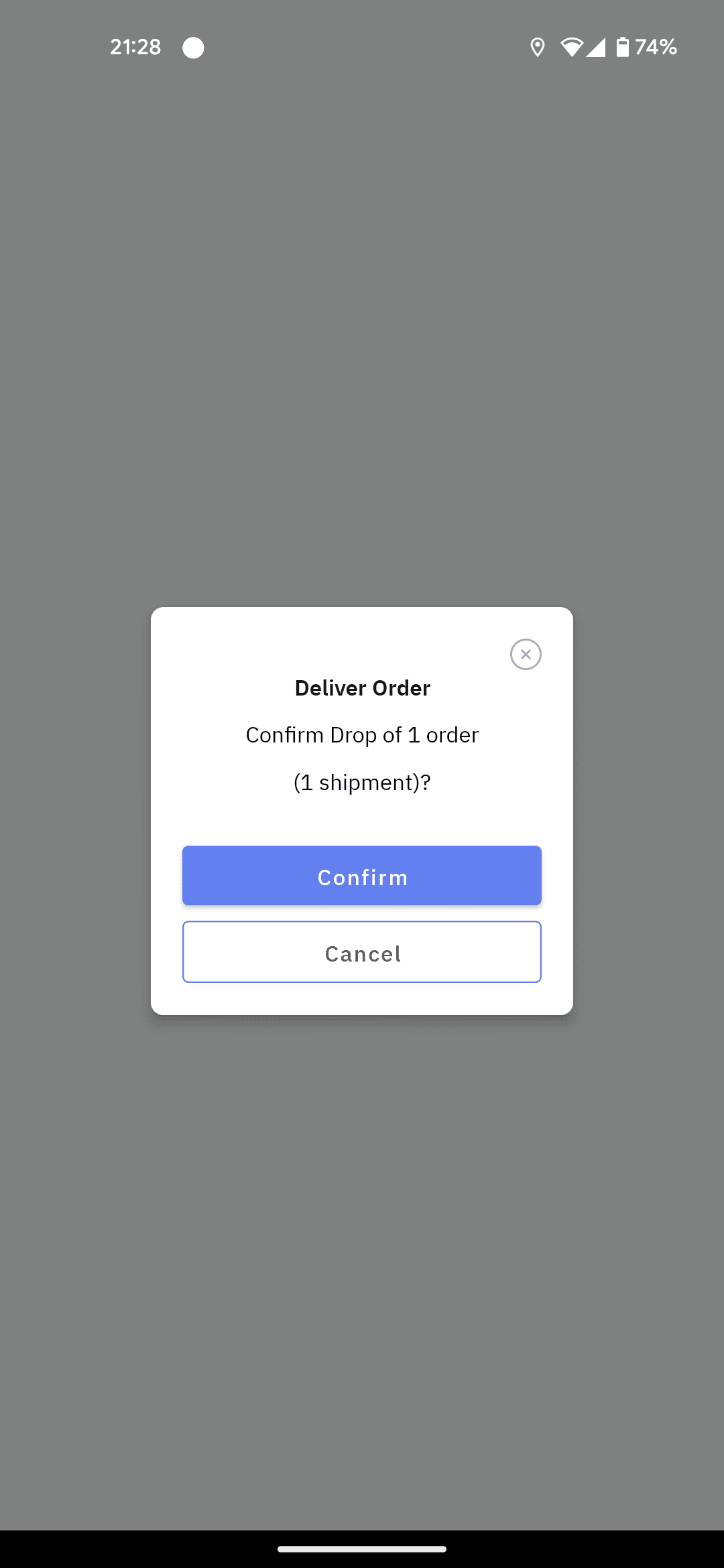
End of Dispatch
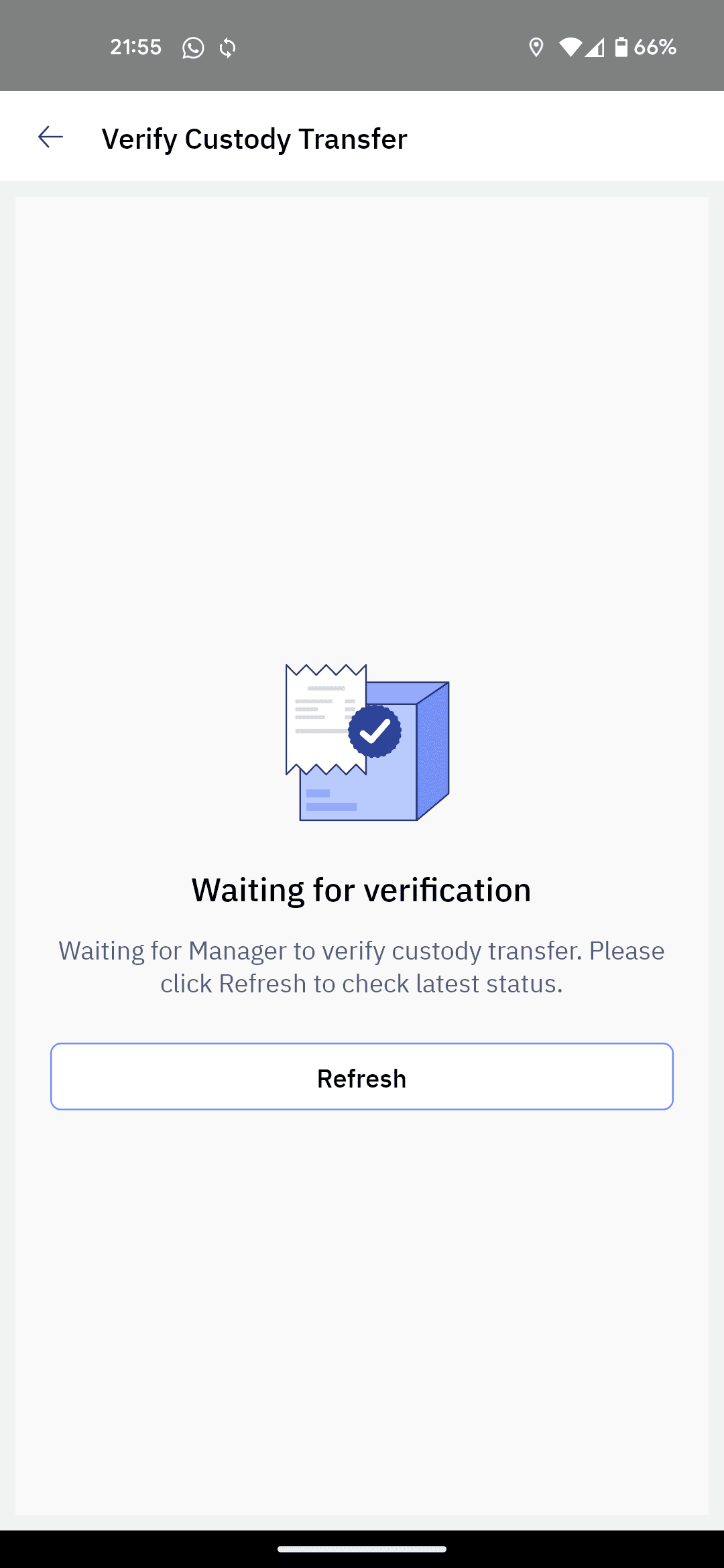
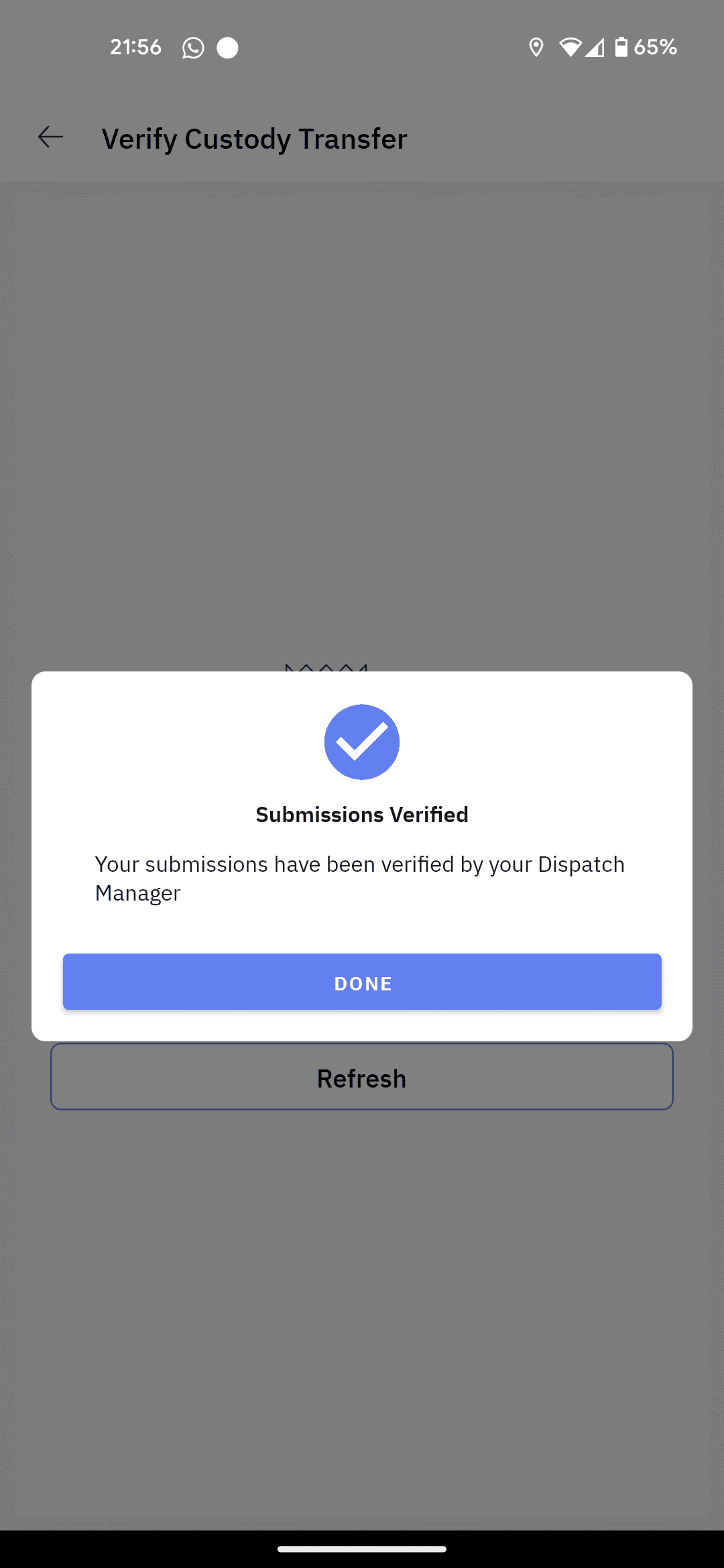
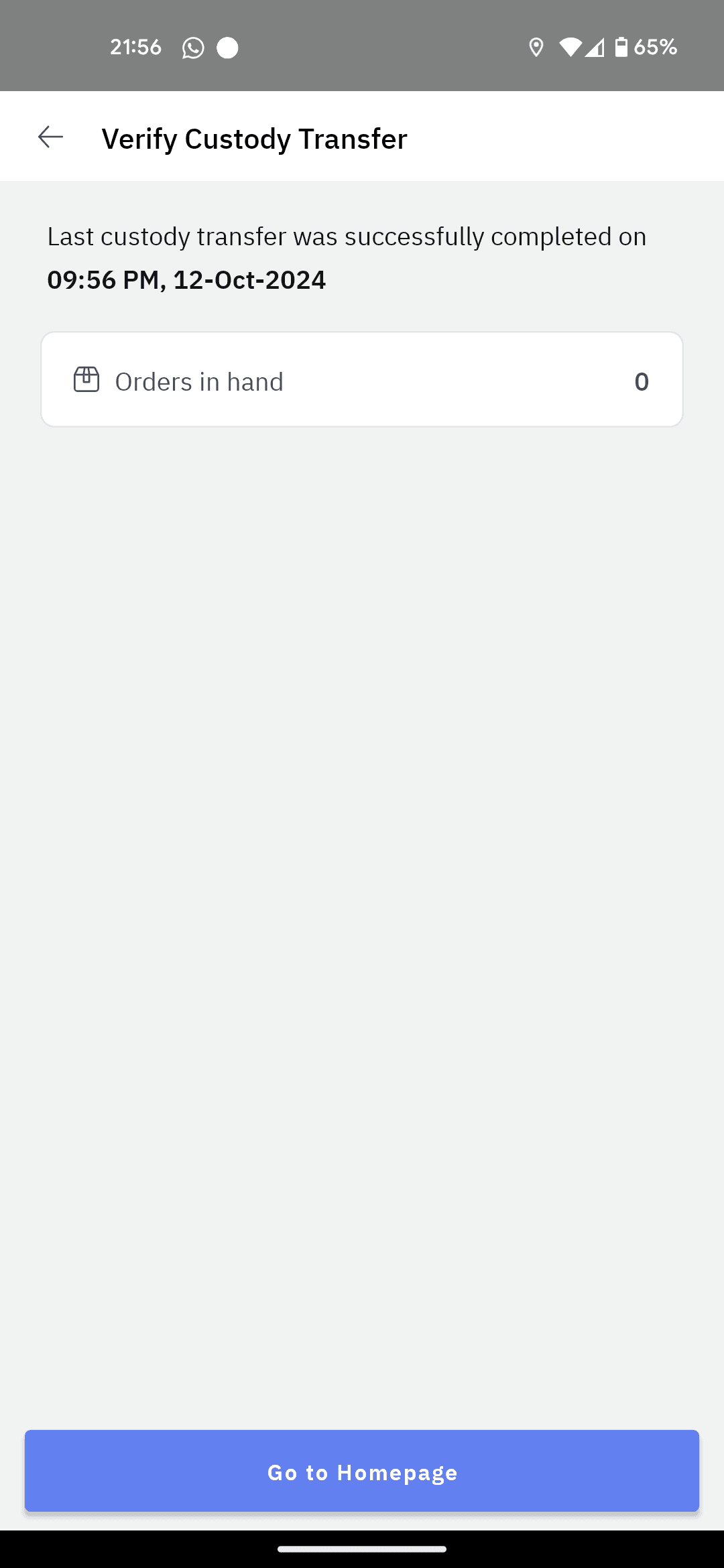
End of dispatch flow is to confirm if driver attempted all tasks and TL approving dispatch closure.
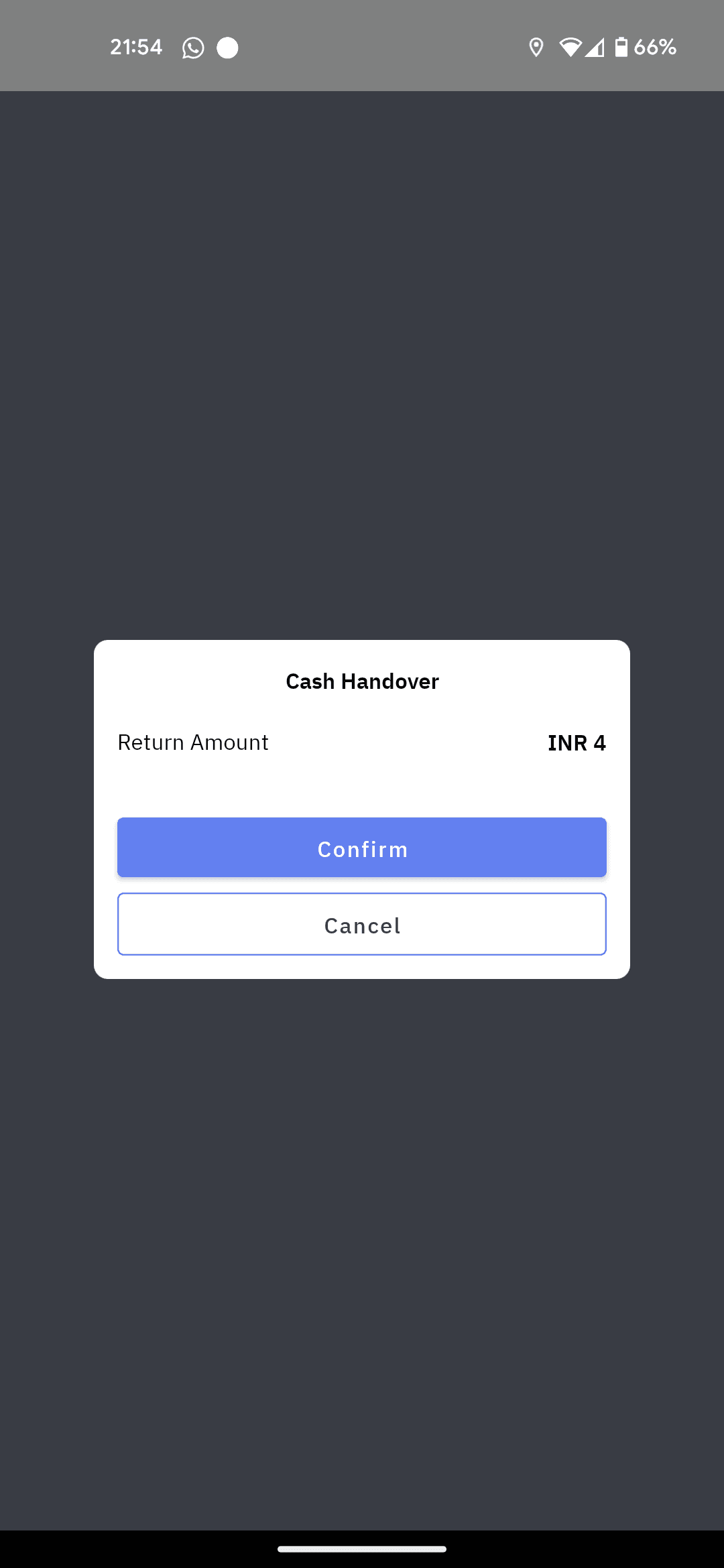
At the End of dispatch, driver returns to DC and drops return/undelivered shipments along with cash collected.
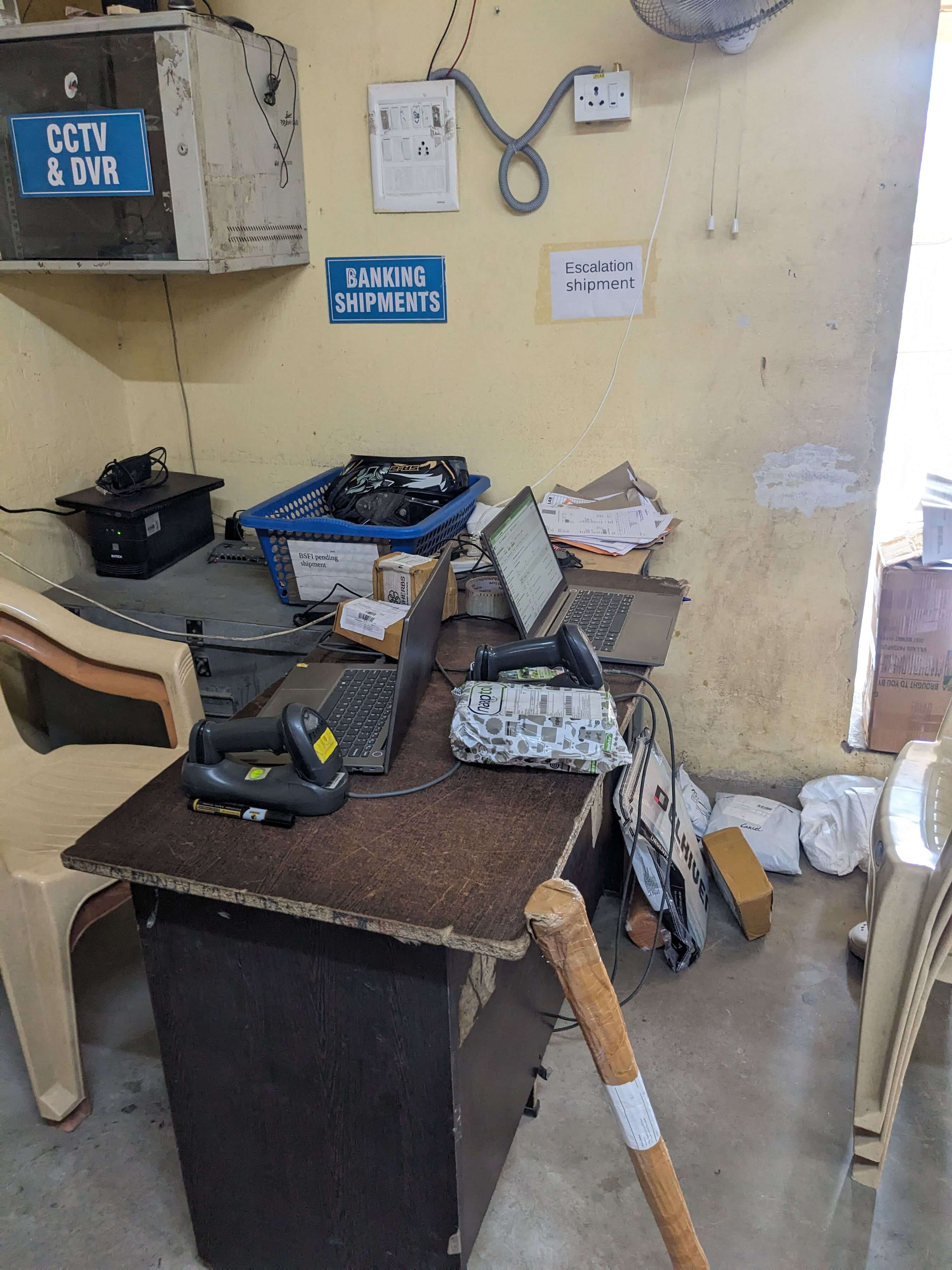
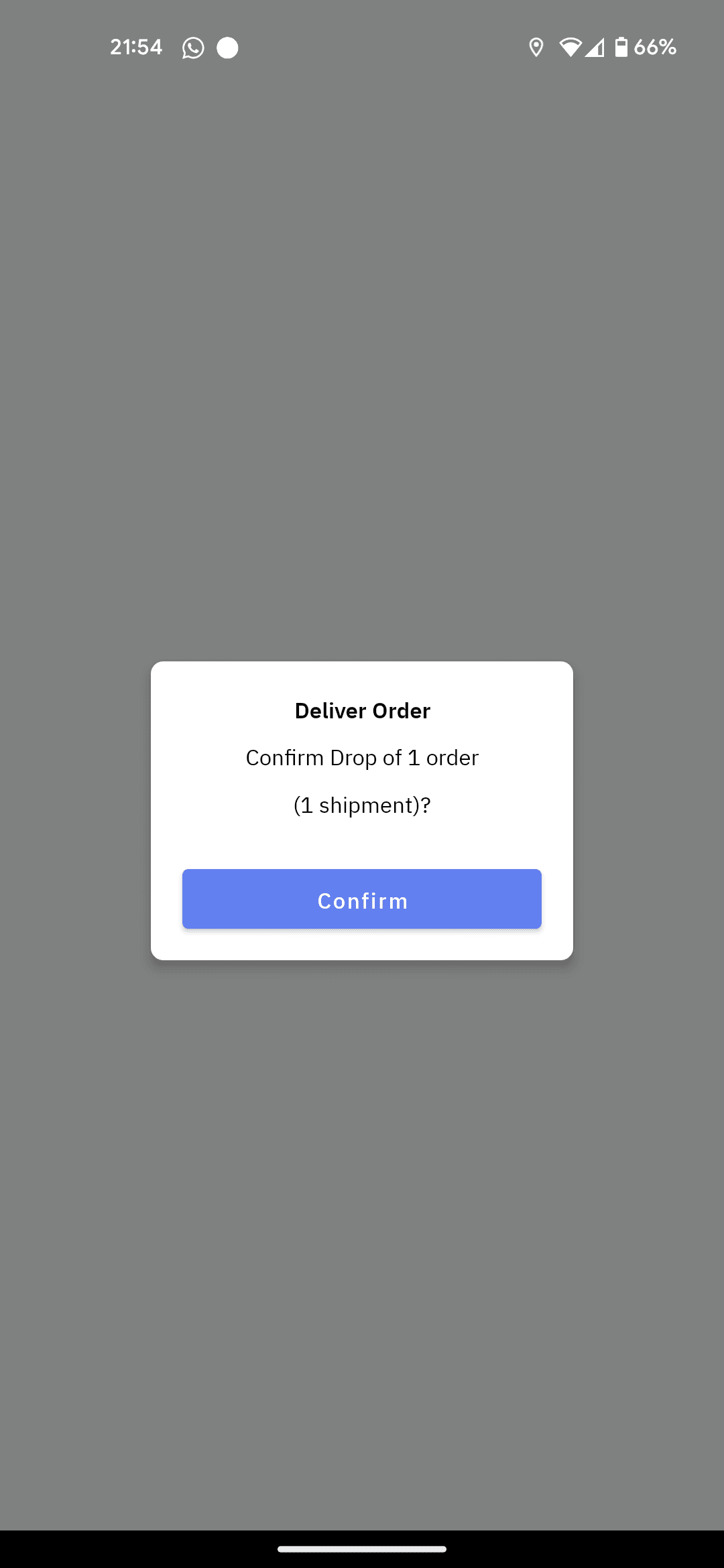
OS1 end of dispatch flow. TL must confirm accepting orders brought back by driver along with cash reconciliation.
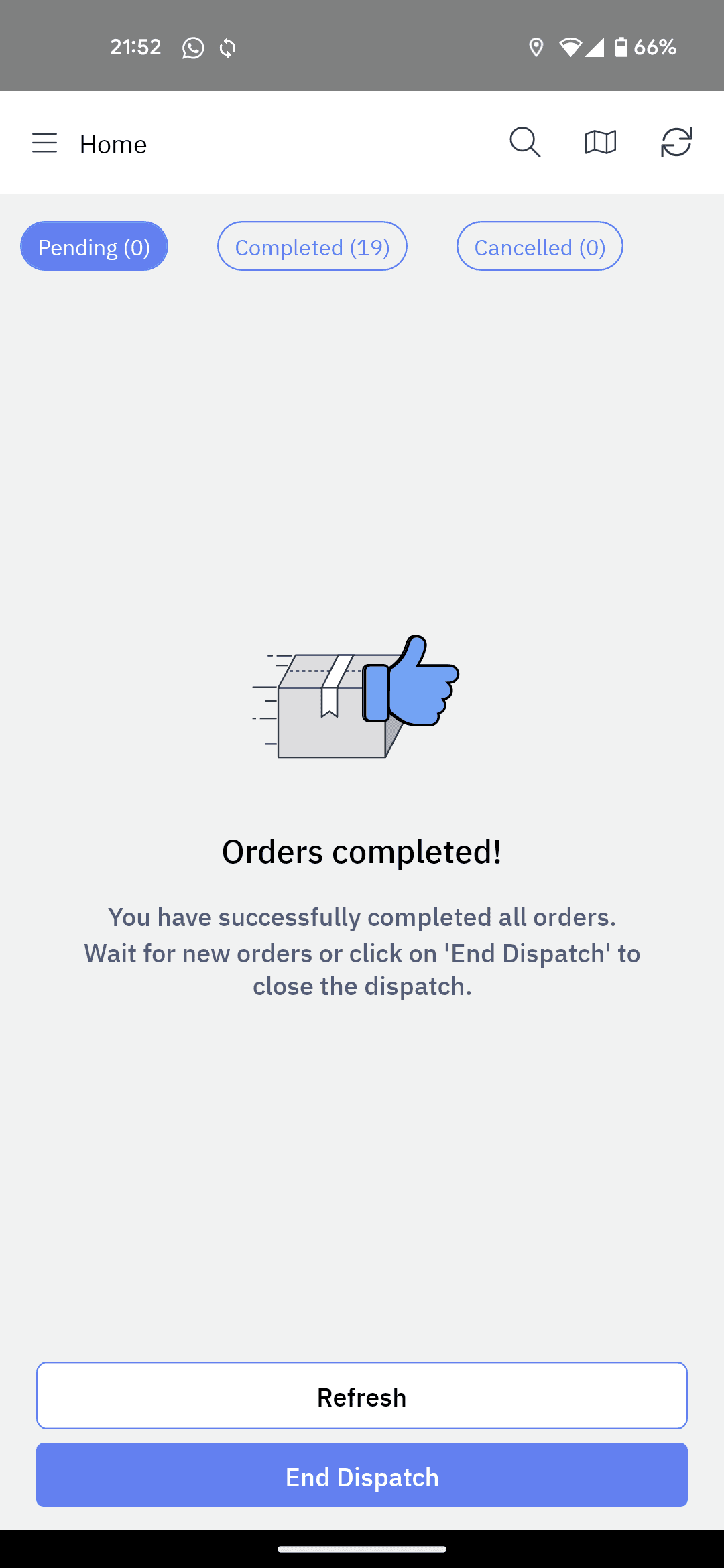
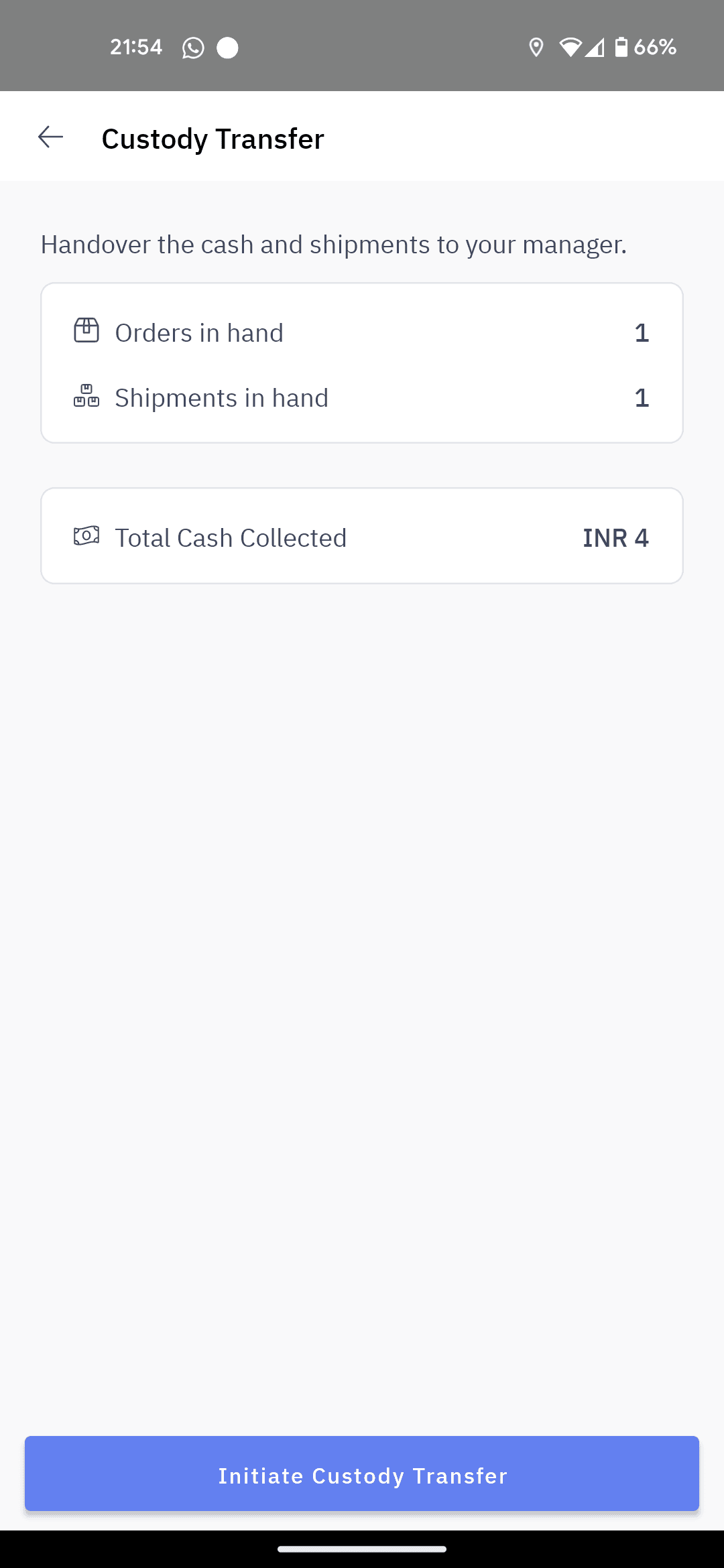
6 clicks complete the flow.
Drivers finish handing over cash and shipments followed by marking them done in app.
320 seconds to navigate through flow without physically handing over orders and transferring all cash.
Inferences
Grouping of orders is creating confusion by adding extra screen.
Drivers get intimidated whenever there is a new workflow which they don't understand.
Drivers can skip to capture photo as PoD, as per workflow configurations, none of the drivers knew.
Confirmation screens are adding an extra click.
Inconsistent placement of primary action buttons is increasing cognitive load.
Drivers always look for orders by simply scrolling before they use search.
Calling customer is primary action which takes 4 clicks to call.
For orders with multiple shipments, even if one shipment is missing/damaged, whole order needs to be Rescheduled.
Dependency on TL to publish a dispatch through web dashboard is slowing down drivers
Loading list of tasks is taking 40 sec, holding up the driver at TL’s desk.
Drivers struggle to discover the order in app when they get call back from customer.
Payment flow has too many screens, additionally loading time is high.
6 clicks complete the flow.
320 seconds to navigate through flow without physically handing over orders and transferring all cash.
After using other apps like maps and calls, drivers go back home - apps - OS1 app to get back to workflow.
Dispatch bottleneck at Distribution Centre
Inconsistent UI and copy created confusion
Communicating with customer is unsafe & inefficient
App complexity slowed down adoption
Onboarding & churn challenges
End-of-Day (EOD) flow was overwhelming:
Pain-points are grouped into following inferences.
Dispatch bottleneck at Distribution Centre
Inconsistent UI and copy created confusion
Communicating with customer is unsafe & inefficient
App complexity slowed down adoption
Onboarding & churn challenges
End-of-Day (EOD) flow was overwhelming
Prioritising
Dispatch assignment needs to be solved first as the logic flows down to rest of the app.
Ease of implementation & helps in quicker dev cycles.
Order fulfilment flows redesign.
Might include call masking which is part of roadmap.
On ground operations team will solve the issue.
While business impact is high, moved down due to dependency app workflows.
Sorted based on tech inputs & business implications.
are solved below
Dispatch bottleneck at Distribution Centre
&
Communicating with customer is unsafe & inefficient
for case study,
Optimising
Dispatch bottleneck at Distribution Centre
Inference 2
Communicating with customer is
unsafe & inefficient
Inference 4
Overall Impact
Time to Interact:
Training reduced from 4 shifts of doubts (DC) to 3 shifts (quick-commerce)
Force restart instances: 3 sec [-37sec]
Start: 3 sec [-37sec]
Pickup: 26 sec [-44sec]
Drop: 45 sec [-120sec]
Reflections & Gratitude
Optimising
Observation
Manual scanning ~32 orders took 10 min per driver;
Plus 2-4 min of assigning orders to driver mobile app
Before leaving for delivering first order, drivers stay back at TL’s desk until orders appear on the driver app, despite web app showing ‘dispatch assigned to rider successfully’
Calls between customer and driver are getting unsafe as driver has a need to interact with phone while driving.
Calls
45+ / shift
Incoming
~7
Outgoing
~38
App use
yes
Bypassing App
<2 instances
What it takes to ‘call a customer’
Interaction with phone:
Takes 3 clicks to make a call, 3 clicks to come back to app after call.
Communication:
9 of 12 drivers had headphones for hands-free talking.
Language doesn't seem to be a problem as words ‘delivery’ ‘20min’ give picture without a solid sentence.
What it takes to ‘receive customer call’
~7 of 30 calls done by driver are missed and customers call back.
There are 1/2 incoming calls from excited customers who are waiting for order.
Interaction with phone:
On incoming call, drivers had to use 7 clicks to access order details to give update to customer.
Solution Direction: Two
Collect Signature
Clear Signature
Confirm
Collect Payment
₹212.00
Payment Pending
Try another payment mode
Check Payment Status
2130...3049
Lenovo Laptop Skin 13” Blue
3 Shipments
2130...3048
Lenovo Laptop Skin 13” Blue
3 Shipments
Proceed
Manoj Baradwaj
Delivery
COD
2 Orders | 6 Shipments
1094, 4th cross, Opposite Bishop School, RBL Lane, M.G. Road, Bengaluru 560062
Ask Customer for the OTP
OTP is sent on the registered mobile number
0
Resend in
00:22
12:30
78%
Drop Location
Alert Customer?
Sending SMS to customer:
Delivery arriving in 24 minutes.
Send SMS
Quick alert to send ‘order arriving’ update to customers.
Delivery Partner // 12:31 PM
Hi, I am bringing your package with
order no 67996725 in 24 Min. I will
arrive at your doorstep by 12:55 PM
ConfirmBeforeSending: True;
While some of them are excited about
easy of communicating, most of them said:
Lesson learnt:
Customer-driver communications are 2-way
Driver informing about delivery updates.
Customer confirming availability at location.
Talking over call creates certainty and eliminates chances of delivery failure/reschedule.
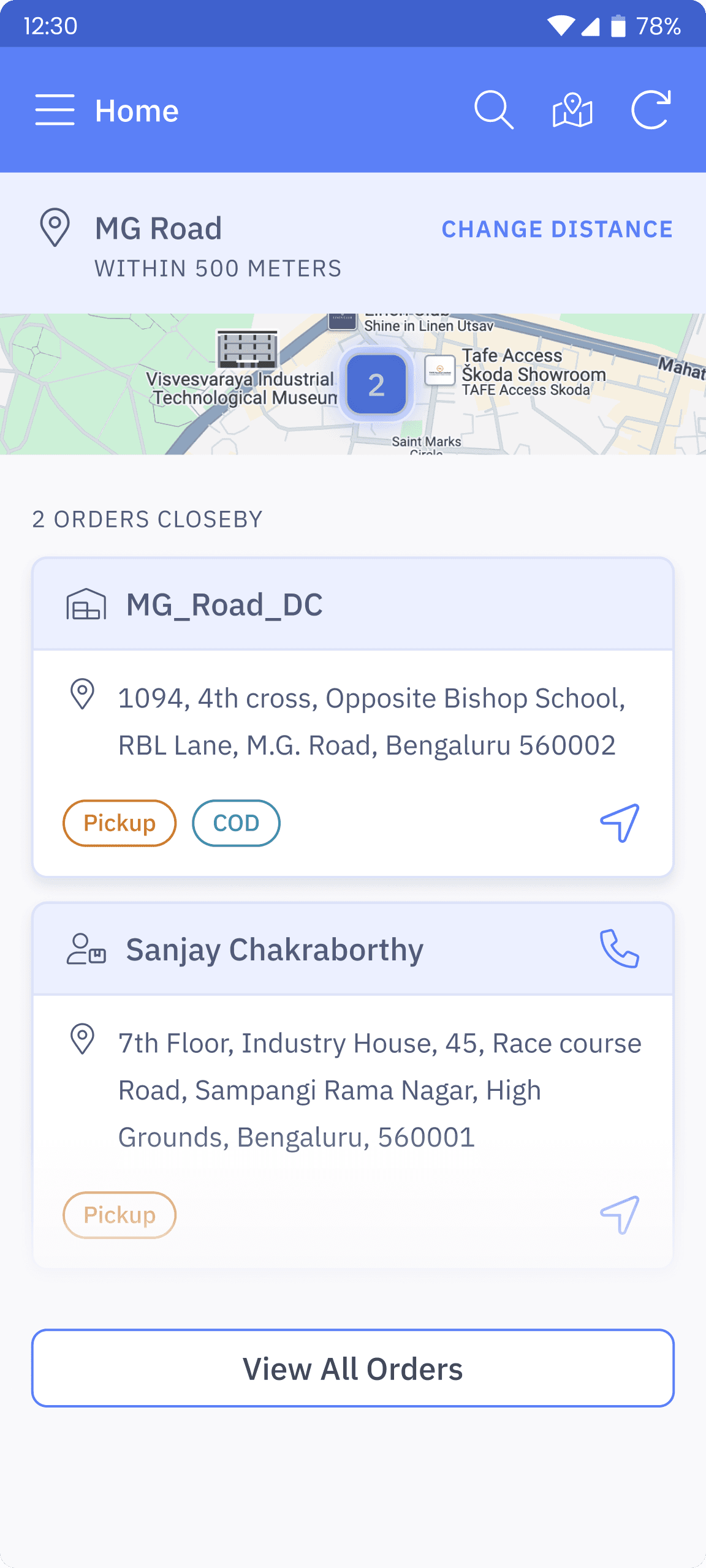
Adding call button in order list.
Quick launch button to get back to app.

Incoming Call
After iterating on order discovery enhancements, I designed a order details popup on incoming call. (thanks, truecaller).
~7 clicks for incoming call are used to discover the order so that driver can give an ETA to customer.
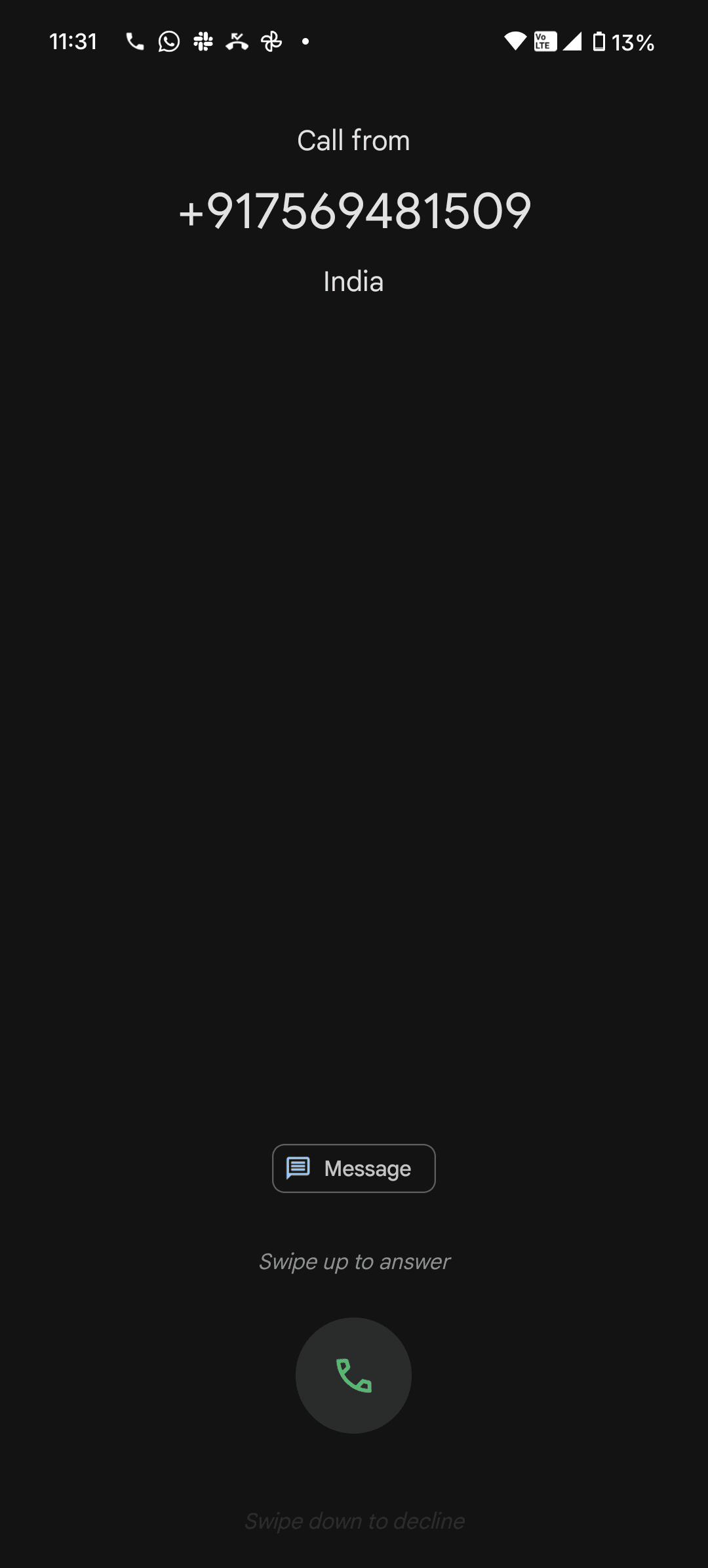
Reasons for calls
I observed that drivers are calling to inform customer about upcoming delivery.
40 seconds
of loading
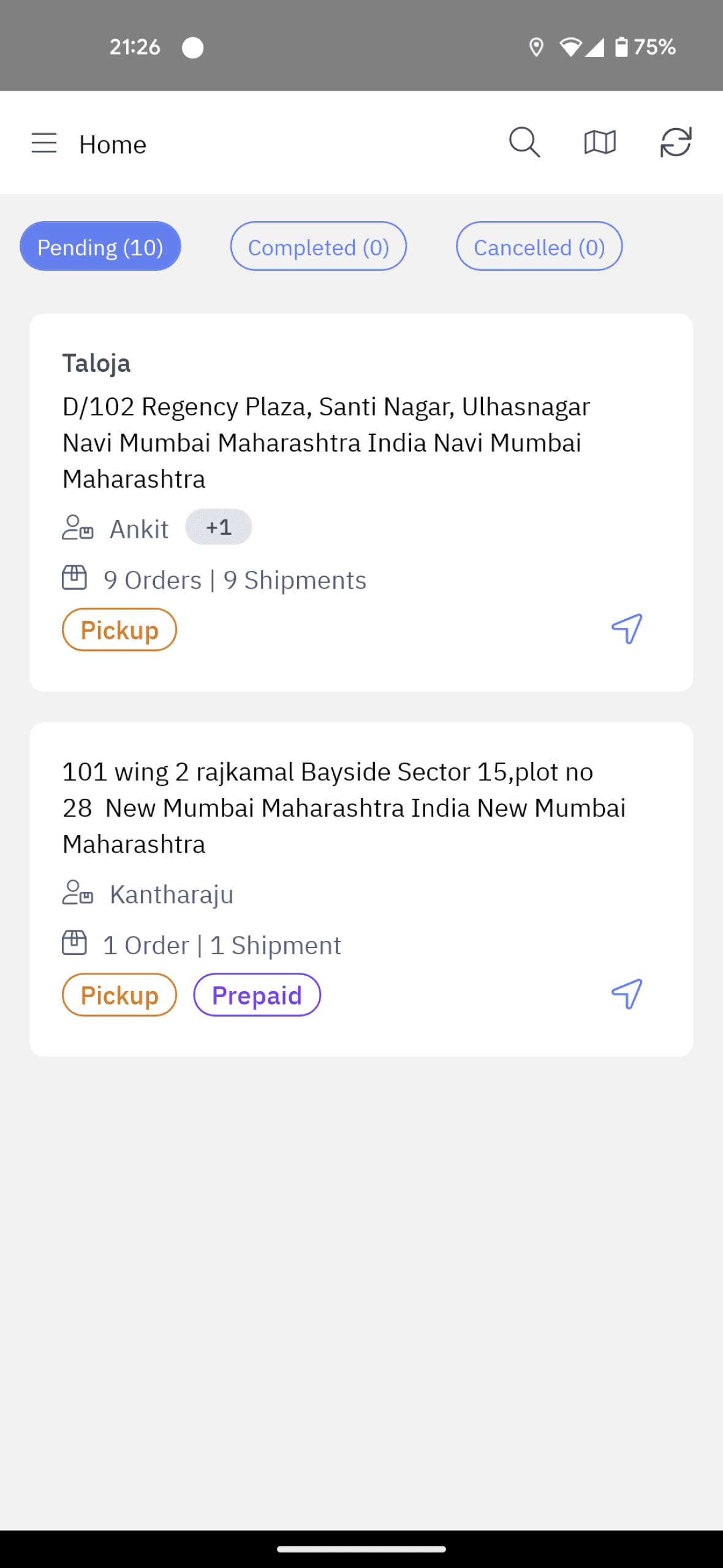
Orders list screen took about 40 sec to load.
Ran 8 simulations (data got averaged after 5) on OS1 app with 35 orders
Drivers wouldn't leave from dispatch manager’s desk unless they see the orders, therefore the delay would choke dispatch manager desk.
Why are drivers waiting

Collect Signature
Clear Signature
Confirm
Collect Payment
₹212.00
Payment Pending
Try another payment mode
Check Payment Status
2
12:30
78%
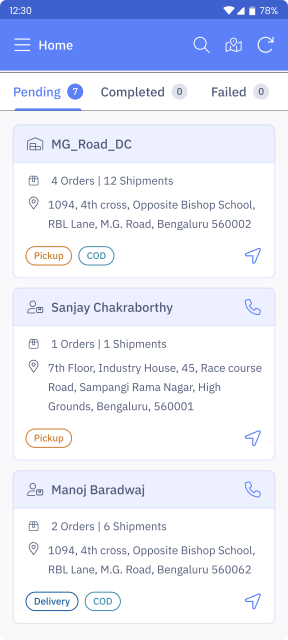
Home
Pending
6
Completed
0
Failed
0
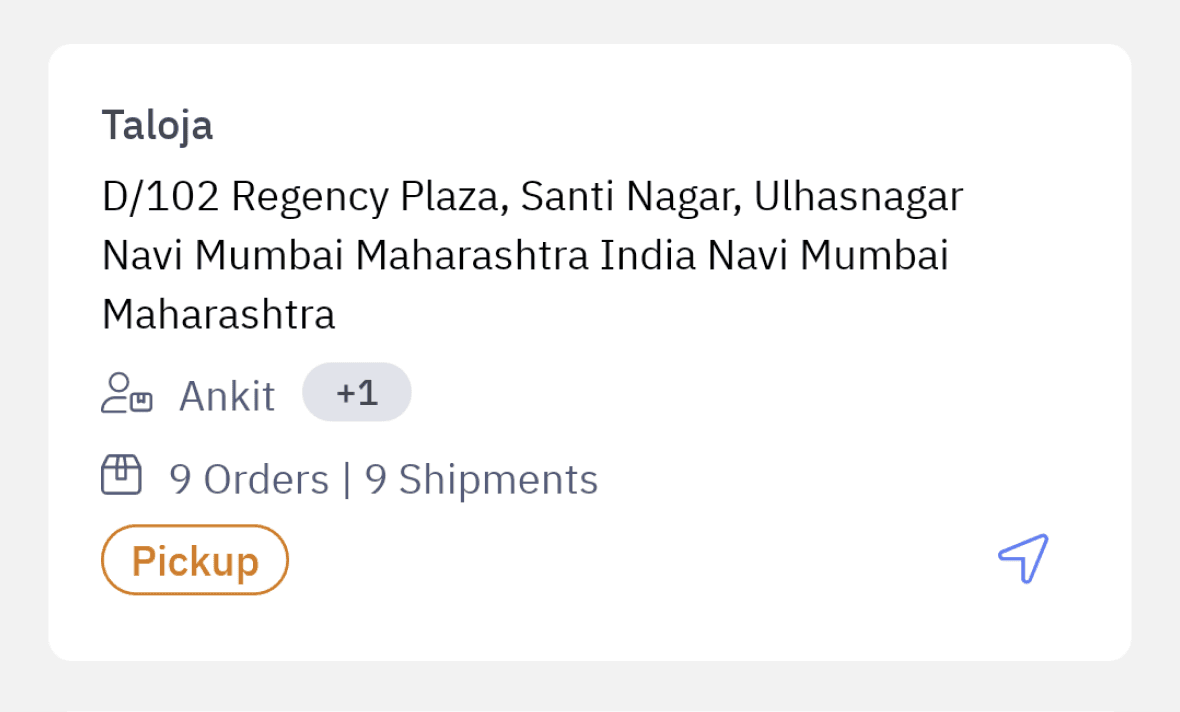
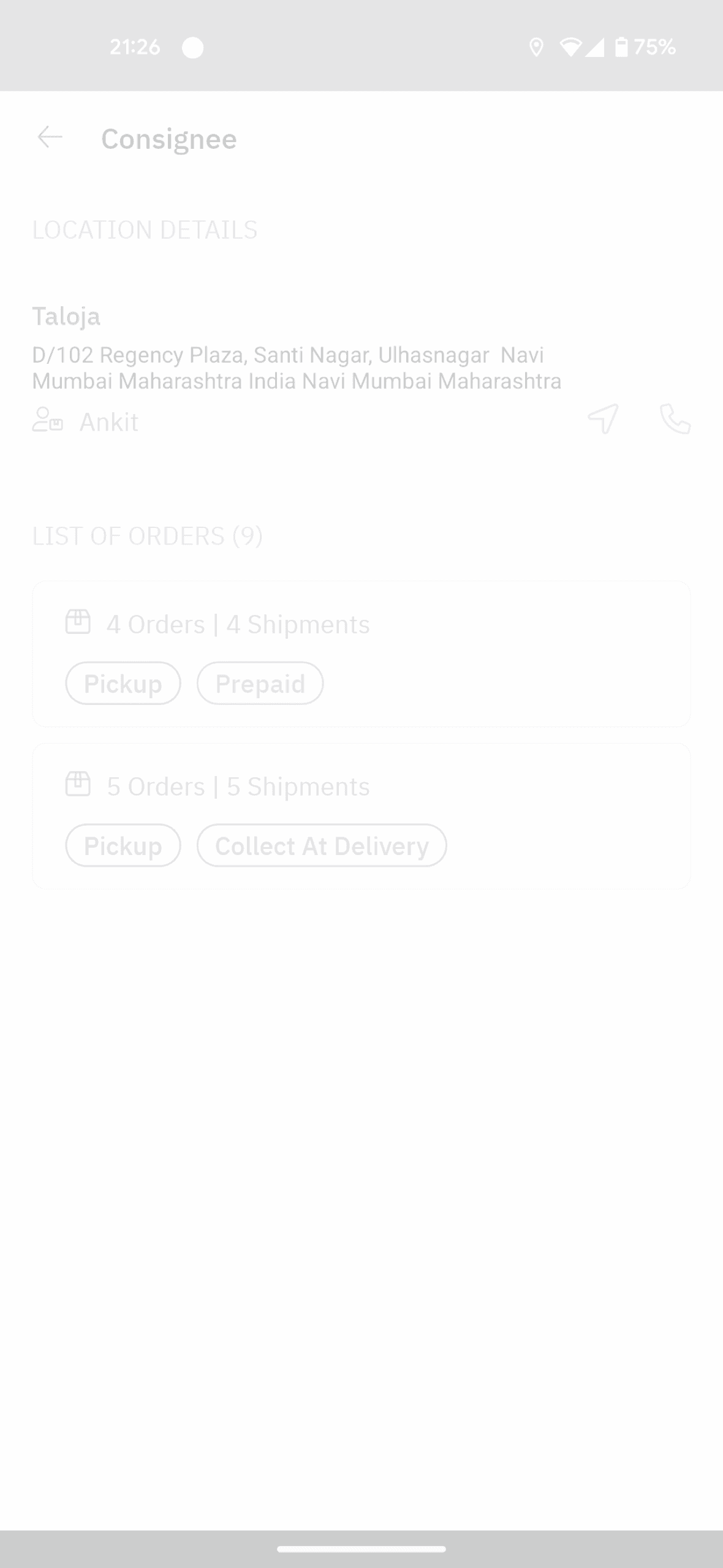
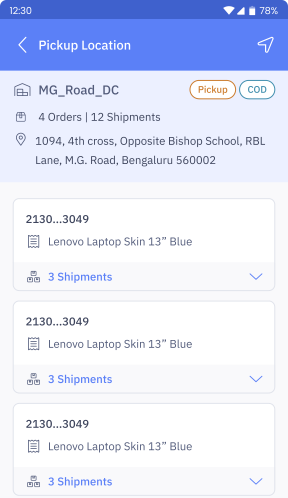
After exploring the loading time issue developer and checking the network API response time, we identified that following grouping logic is causing a delay.
Locations (lat long) of orders assigned were verified and everything within 1km range are grouped as 1 task before populating on app;
Why this loading
Grouping is removed as it is irrelevant for the last mile use-cases.
18 seconds is still considered slow, and so I wanted to reduce furuther.
Industry average is 8 sec
(from competitor benchmarking)
Solution

Tested the new APK by running 6 simulations.
18 sec
45% faster
One click
removed
New Loading Time
Slow loading is caused by high data transfer as orders, shipments, and respective workflows are loaded in the beginning; as app was developed to work in async, to address no network locations.
Since urban last-mile usecases are fairy good network areas, async feature is moved to config and new ‘load nearby orders’ introduced.
Further enhancement
Option 1
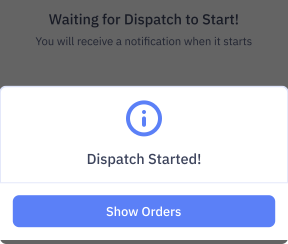
Dispatch loading time is reduced to 3 seconds. Once drivers see list of orders, they start pickup an delivery without blocking TL’s time
Impact
3 sec
93% faster
But we should also know
if customer is at home or not!
“
customer:
okay, come!
customer:
calling from nallurhalli,
flipkart order for sanjay,
what time will you come?
How to eliminate the need for call?
Validating solution
To verify how drivers would use this feature, a figma prototype is handed over to divers.
Now that we established calls are mandatory,
while keeping the drivers in control of when to trigger message.
Alert Customer?
Sending SMS to customer:
Delivery arriving in...
10 Min
15 Min
20 Min
30 Min
Send SMS
When route is optimised,
time is auto populated
When route is not optimised,
driver can choose time
Delivery Partner // 12:31 PM
Hi, I am bringing your package with
order no 67996725 in 30 Min. I will
arrive at your doorstep by 01:01 PM
Basic ping
Late starts compress route time and hurt fulfilment.
Request customer to sign below.

Skip
Proceed
12:30
78%
Customer Signature
Confirm Order Delivery?
2 Orders with 4 Shipments will be delivered
Cancel
Proceed
Upcoming delivery alert message to next customer is triggered when ongoing order is marked complete.
Delivery Partner // 12:31 PM
Hi, I am bringing your package with
order no 67996725 in 24 Min. I will
arrive at your doorstep by 12:55 PM
Most drivers i.e. 8 out of 12 change the order of deliveries at least once a day. That’s why drivers should choose when to notify each customer about their delivery.
Solution Direction: One
Solution Direction: Three
Outgoing Call
How about we send an default text message on driver trigger, with ETA .
How can we reduce mobile usage while communicating with customer.
2 Orders | 6 Shipments
1094, 4th cross, Opposite Bishop School, RBL Lane, M.G. Road, Bengaluru 560062
Drivers receive calls from customers who would like to know ETA and/or customers who missed the call when driver tried calling.
driver:
delivery from flipkart madam, coming in 20 minutes, okay?
driver:
Wait, let me find your order, order ID?
Sorting time: 40-60 min / route
Avg. loading time: 10-12 min / driver
Avg. orders : 32 / driver
At times last driver leaves 2-hours from shift start
2130...3049
Lenovo Laptop Skin 13” Blue
3 Shipments
2130...3048
Lenovo Laptop Skin 13” Blue
3 Shipments
Proceed
Manoj Baradwaj
Delivery
COD
2 Orders | 6 Shipments
1094, 4th cross, Opposite Bishop School, RBL Lane, M.G. Road, Bengaluru 560062
12:30
78%
Drop Location
Ashish Kumar
2 Orders | 6 Shipments
1094, 4th cross, Opposite Bishop School, RBL Lane, M.G. Road, Bengaluru 560062
Delivery
COD
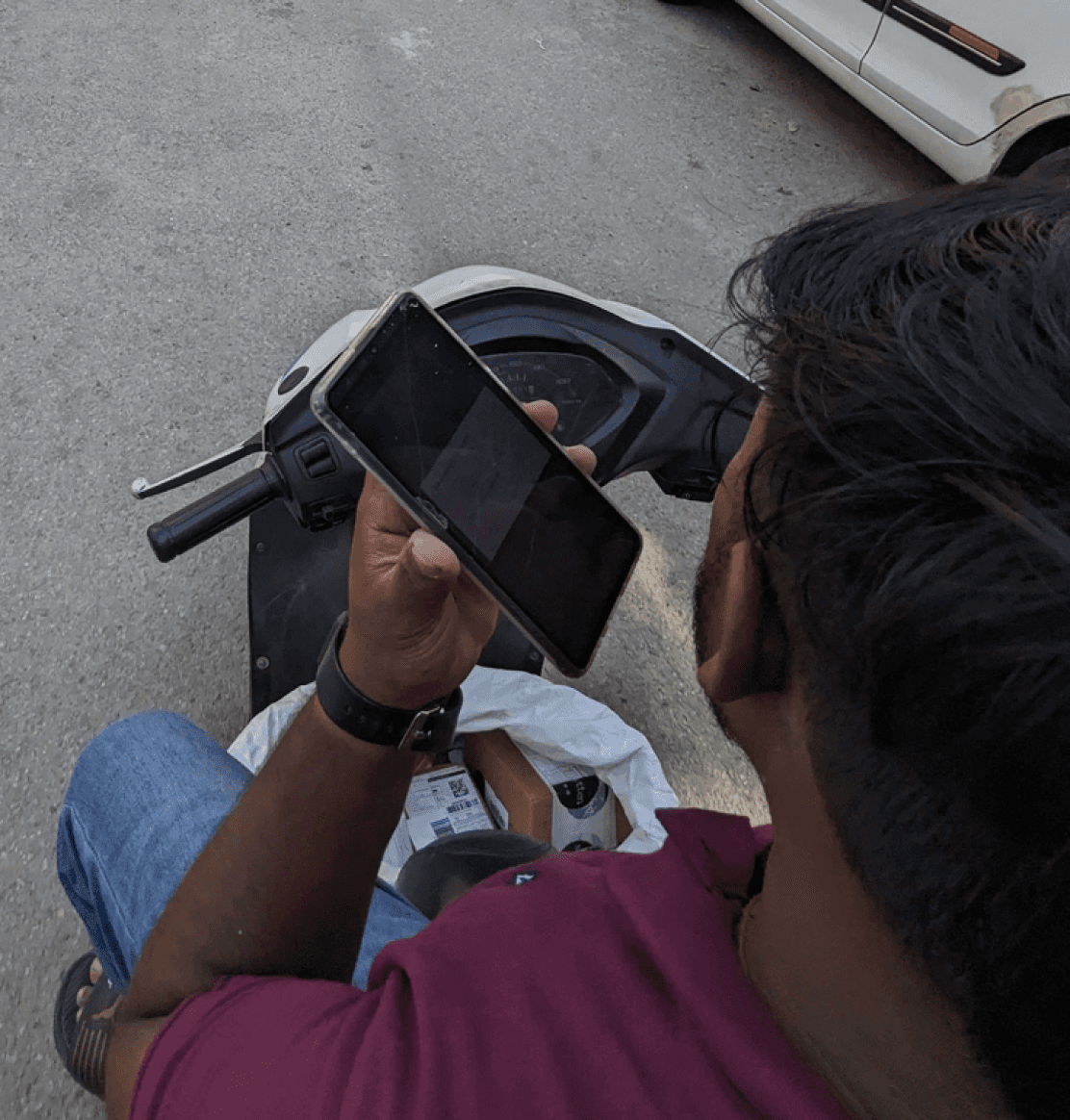
Mobile use on the job while driving.
Option 2
Alert Customer?
Sending SMS to customer:
Order out for delivery and next in queue!
Send SMS
Delivery Partner // 12:31 PM
Hi, I am bringing your package with
order no 67996725 to your doorstep.